
What Is ERP? A Complete Beginner's Guide to Enterprise Resource Planning (2026)
If you run a business — whether you're managing a small trading company, a manufacturing unit, or a growing retail chain — you've probably heard the term ERP thrown around in conversations about "going digital" or "scaling operations." But what does it actually mean, and why does it matter for your business?
This guide breaks down everything you need to know about ERP software: what it is, how it works, the benefits it offers, common myths, and how to know if your business is ready for one.
What Does ERP Stand For?
ERP stands for Enterprise Resource Planning. At its core, an ERP system is a type of software that helps organizations manage and integrate the core processes needed to run a business — including finance, sales, inventory, manufacturing, human resources, procurement, and customer relationships — all from a single, unified platform.
Instead of using separate tools for accounting, a different tool for inventory tracking, another for HR, and spreadsheets for everything else, an ERP system brings all of this data into one centralized database. Every department works from the same source of truth, in real time.
Think of ERP as the digital nervous system of a company — connecting every department so information flows automatically instead of being manually re-entered, emailed, or lost in disconnected files.
A Brief History of ERP
The concept of ERP evolved from earlier inventory and manufacturing systems used in the 1960s and 1970s, known as Material Requirements Planning (MRP) systems. These were primarily used by manufacturers to plan production schedules and manage raw materials.
By the 1990s, software vendors expanded these systems beyond manufacturing to cover finance, HR, and sales — giving birth to the term "Enterprise Resource Planning" as we know it today.
For decades, ERP systems were expensive, complex, and primarily used by large corporations with dedicated IT departments. Implementations could take 12-18 months and cost hundreds of thousands of dollars.
Today, cloud-based ERP solutions have changed the game entirely. Modern platforms can be deployed in days or weeks, are priced as affordable monthly subscriptions, and are accessible to small and medium businesses — not just large enterprises.
How Does ERP Software Work?
An ERP system works by organizing business functions into "modules" — individual applications that handle specific tasks, such as:
- Accounting & Finance — invoicing, GST/tax calculations, ledgers, payments, and financial reporting
- Inventory Management — stock levels, warehouses, batch tracking, and procurement
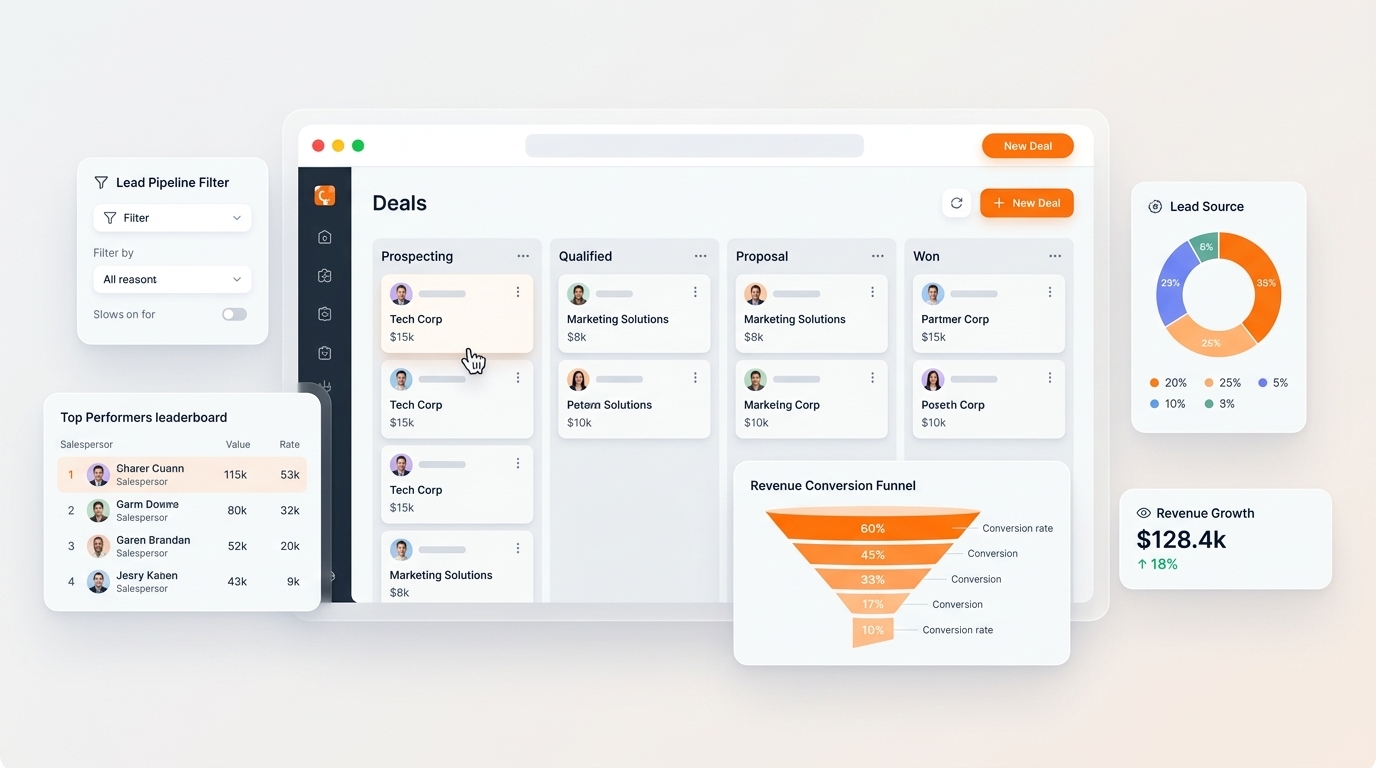
- Sales & CRM — lead tracking, customer records, quotations, and order pipelines
- Human Resources (HRMS) — employee records, attendance, leave, and payroll
- Manufacturing — production planning, bill of materials, and quality checks
- Project Management — task boards, timesheets, and resource allocation
- Point of Sale (POS) — retail billing and in-store transactions
- eCommerce — online storefronts synced with inventory and orders
What makes ERP powerful isn't any single module — it's how they talk to each other. For example, when a sales order is created in the CRM module, it can automatically:
- Reserve stock in the Inventory module
- Generate an invoice in the Accounting module
- Trigger a production order in Manufacturing (if the item needs to be made)
- Update real-time dashboards for management
This eliminates duplicate data entry, reduces human error, and gives every department instant visibility into what's happening across the business.
Key Benefits of ERP Software
1. Single Source of Truth
Without ERP, businesses often end up with data scattered across spreadsheets, accounting software, messaging apps, and paper records. This creates inconsistencies — sales might think a product is in stock while the warehouse shows it's out. ERP consolidates all this data into one database, so everyone sees the same numbers in real time.
2. Improved Efficiency and Automation
Repetitive manual tasks — like re-entering customer details across multiple systems, generating recurring invoices, or calculating payroll — can be automated. This frees up staff to focus on higher-value work instead of administrative busywork.
3. Better Financial Control and Compliance
For businesses in India, ERP systems with built-in GST, TDS, and e-Invoicing automation significantly reduce the risk of compliance errors and the time spent on manual tax calculations. Real-time financial dashboards also make audits faster and far less stressful.
4. Real-Time Reporting and Decision Making
Instead of waiting for someone to manually compile a monthly report from five different spreadsheets, managers can view live dashboards showing sales performance, inventory levels, cash flow, and employee productivity — at any time, from any device.
5. Scalability
As your business grows — adding new product lines, opening new branches, or expanding into new markets — a modular ERP system allows you to activate new functionality without replacing your entire software stack. You simply turn on new modules as needed.
6. Lower Total Cost of Ownership
Many businesses unknowingly pay for 5 or more separate software subscriptions — one for accounting, one for CRM, one for HR, one for inventory, and so on. Each of these tools needs its own login, its own data exports, and often doesn't integrate well with the others. A unified ERP platform consolidates these into one subscription, often reducing total software costs significantly.
7. Mobile and Remote Accessibility
Modern cloud ERP systems are accessible from any device with an internet connection. Whether your team is in the warehouse, on a sales call, or working from home, they can access the data they need in real time.
Common Myths About ERP
Myth 1: "ERP is only for large enterprises"
This was true a decade ago, but not anymore. Cloud-based, subscription-priced ERP platforms are specifically designed for small and medium businesses, with implementation timelines measured in days rather than months.
Myth 2: "ERP implementation takes years"
Older, heavily customized on-premise ERP rollouts could take 12-18 months. Modern SaaS ERP platforms with pre-configured industry templates can be deployed in as little as two weeks for standard business needs.
Myth 3: "ERP is too expensive"
While custom enterprise ERP licenses can be costly, modern cloud ERP is typically priced as an affordable monthly subscription — often costing less than the combined total of the separate tools (accounting software, CRM, HR software, inventory app) a business is already paying for.
Myth 4: "My business is too small for ERP"
Even a business with 10-20 employees can benefit significantly from ERP if they're currently juggling spreadsheets, WhatsApp orders, and disconnected invoicing tools. The earlier you build good data habits, the easier it is to scale later.
Myth 5: "ERP and accounting software are the same thing"
Accounting software (like basic bookkeeping tools) focuses only on financial transactions. ERP goes far beyond that — covering inventory, HR, sales, manufacturing, and operations, with accounting as just one connected piece of the puzzle.
Signs Your Business Needs an ERP System
Consider an ERP if your business experiences any of the following:
- You use spreadsheets or multiple disconnected apps to track sales, inventory, and finances
- Different departments have different (and sometimes conflicting) numbers for the same data
- Generating financial or operational reports takes days of manual compilation
- You struggle with stock visibility across multiple warehouses or locations
- GST filing, invoicing, or payroll calculations are done manually and prone to errors
- Your business is growing and your current tools can't keep up
- You're paying for multiple software subscriptions that don't talk to each other
If two or more of these sound familiar, it's a strong sign that an ERP system could save your business significant time, money, and operational headaches.
On-Premise vs. Cloud ERP
| Factor | On-Premise ERP | Cloud ERP |
|---|---|---|
| Setup time | Months | Days to weeks |
| Upfront cost | High (hardware + licenses) | Low (subscription-based) |
| Maintenance | Requires in-house IT team | Managed by vendor |
| Accessibility | Office network only (typically) | Anywhere, any device |
| Updates | Manual, often costly | Automatic |
| Scalability | Requires new infrastructure | Add modules/users on demand |
For most small and medium businesses today, cloud ERP offers a far lower barrier to entry while providing the same — or better — functionality than traditional on-premise systems.
How to Choose the Right ERP for Your Business
When evaluating ERP options, consider:
- Industry fit — Does the ERP have modules and workflows tailored to your industry (manufacturing, retail, services, distribution)?
- Local compliance — For Indian businesses, does it support GST, TDS, and e-Invoicing out of the box?
- Ease of use — Will your team actually adopt it, or will it sit unused due to a steep learning curve?
- Implementation time — How quickly can you go live, and what support is provided during onboarding?
- Scalability — Can you add more users, modules, or locations as you grow, without switching platforms?
- Integration capabilities — Does it connect with tools you already use (payment gateways, eCommerce platforms, etc.)?
- Data ownership and security — Can you export your data freely? Is it hosted securely with regular backups?
Final Thoughts
ERP software has evolved from an expensive, complex tool reserved for large corporations into an accessible, essential platform for businesses of all sizes. At its heart, ERP is about replacing fragmented, manual processes with a single connected system — giving you real-time visibility, reducing errors, and freeing up your team to focus on growth instead of admin work.
If your business is currently relying on spreadsheets, disconnected software subscriptions, and manual reporting, it may be the right time to explore how a modern ERP system could simplify your operations.
Looking to see how a modern ERP platform works in practice? Book a free demo to explore real-time dashboards, GST-compliant accounting, inventory management, and more — all in one workspace.