Business Workspace vs ERP: What's Actually Different?
Understand the fundamental differences between monolithic enterprise systems and agile connected modular workspaces for growing companies.
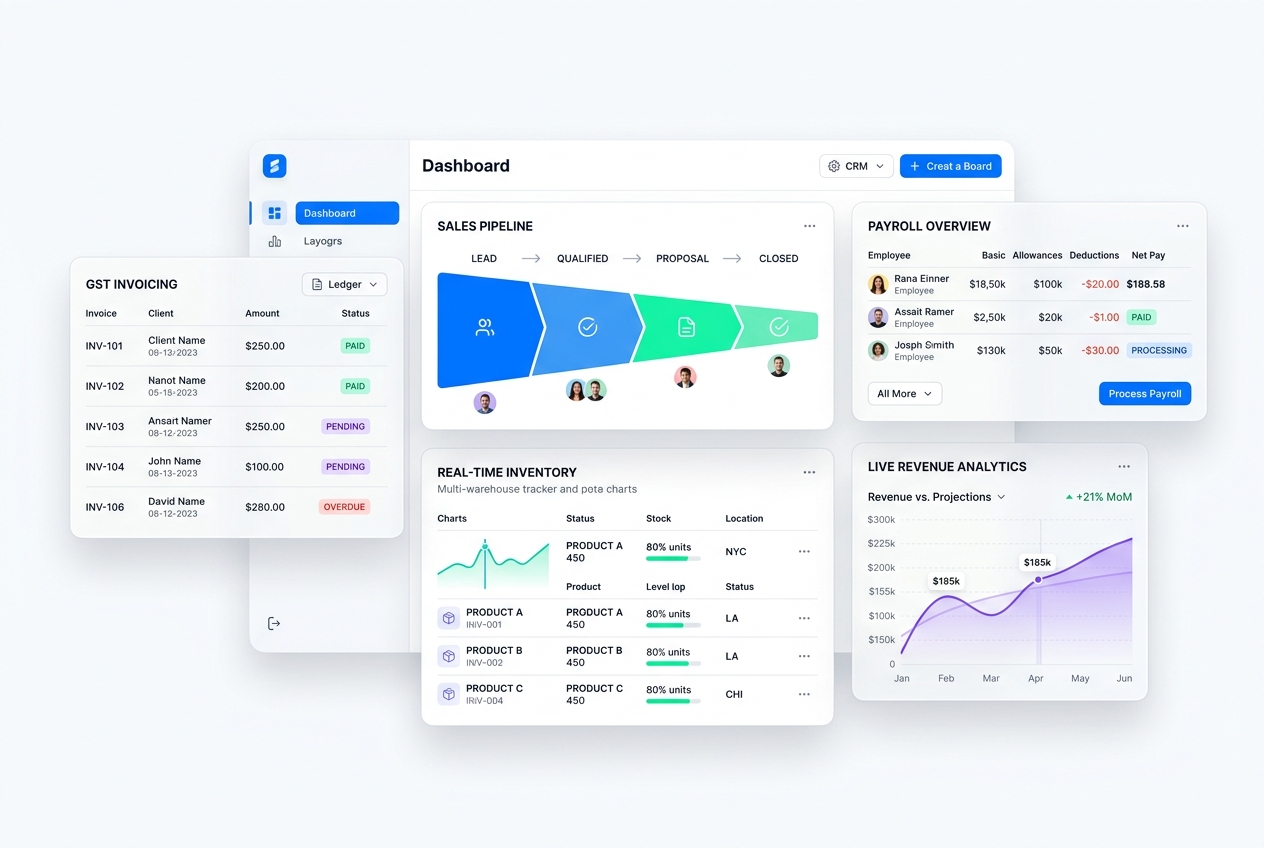
Understand the fundamental differences between monolithic enterprise systems and agile connected modular workspaces for growing companies. In modern competitive markets, disconnected operations create invisible friction, delayed reporting, and customer churn. This blueprint outlines how growing organizations deploy agile, connected workflows that scale with zero administrative overhead.
- Deployment Speed: Connected workspaces go live in 14 days, compared to 9-18 months of bespoke legacy ERP consulting.
- Cost Predictability: Pay only for active modules used by your team without six-figure customization retainers.
- Intuitive Usability: Modern light interfaces designed for high employee adoption rather than clunky 1990s desktop software.
- Zero-Silo Data Foundation: All apps share the same real-time PostgreSQL database without brittle third-party integration middleware.
1. The Monolithic ERP Trap
Traditional ERP systems were designed in the 1990s for massive conglomerates with rigid administrative departments and multimillion-dollar IT budgets. For growing small and medium businesses, deploying an old-school ERP typically leads to prolonged implementation cycles, employee frustration, and budget overruns.
2. What Defines a Connected Business Workspace?
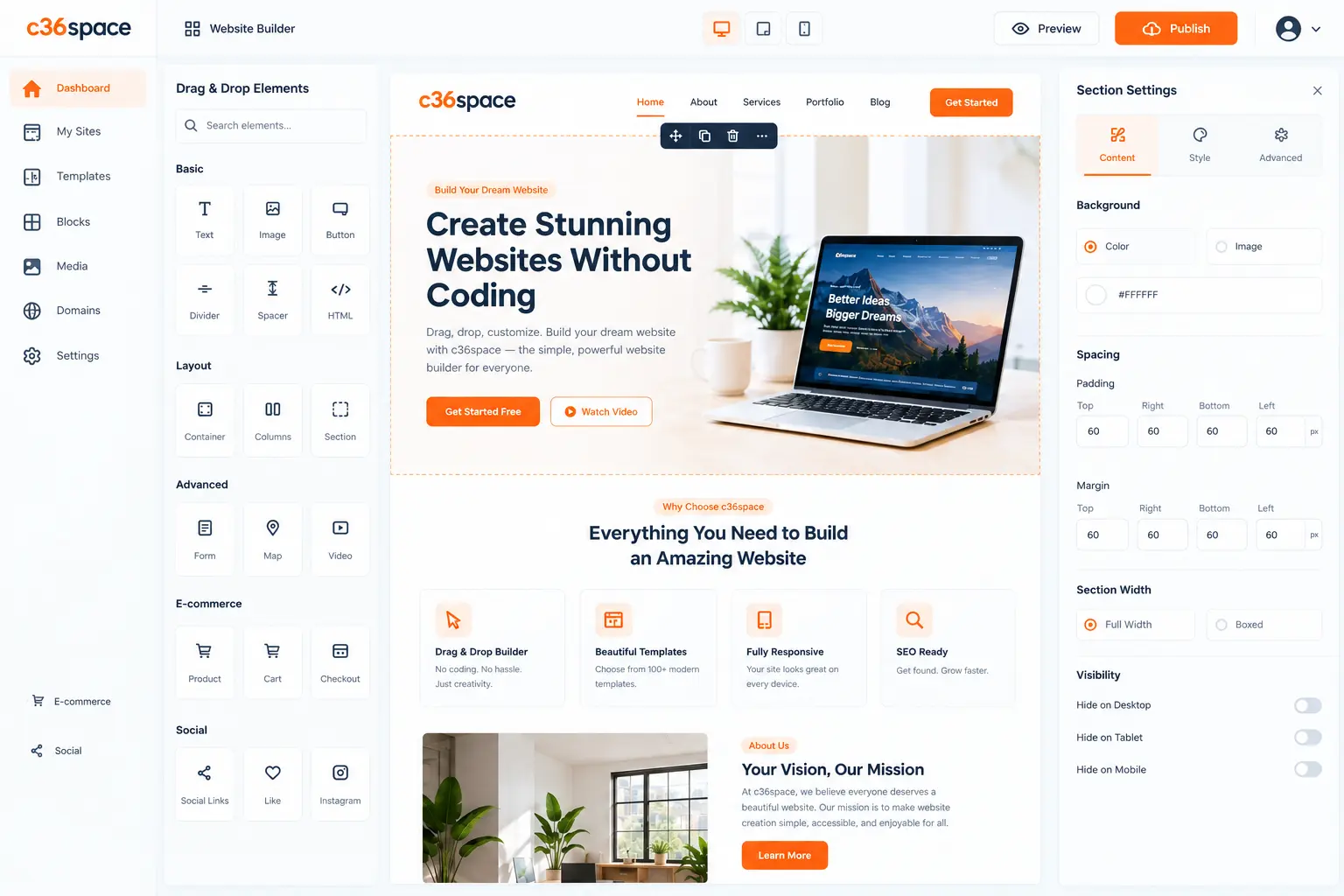
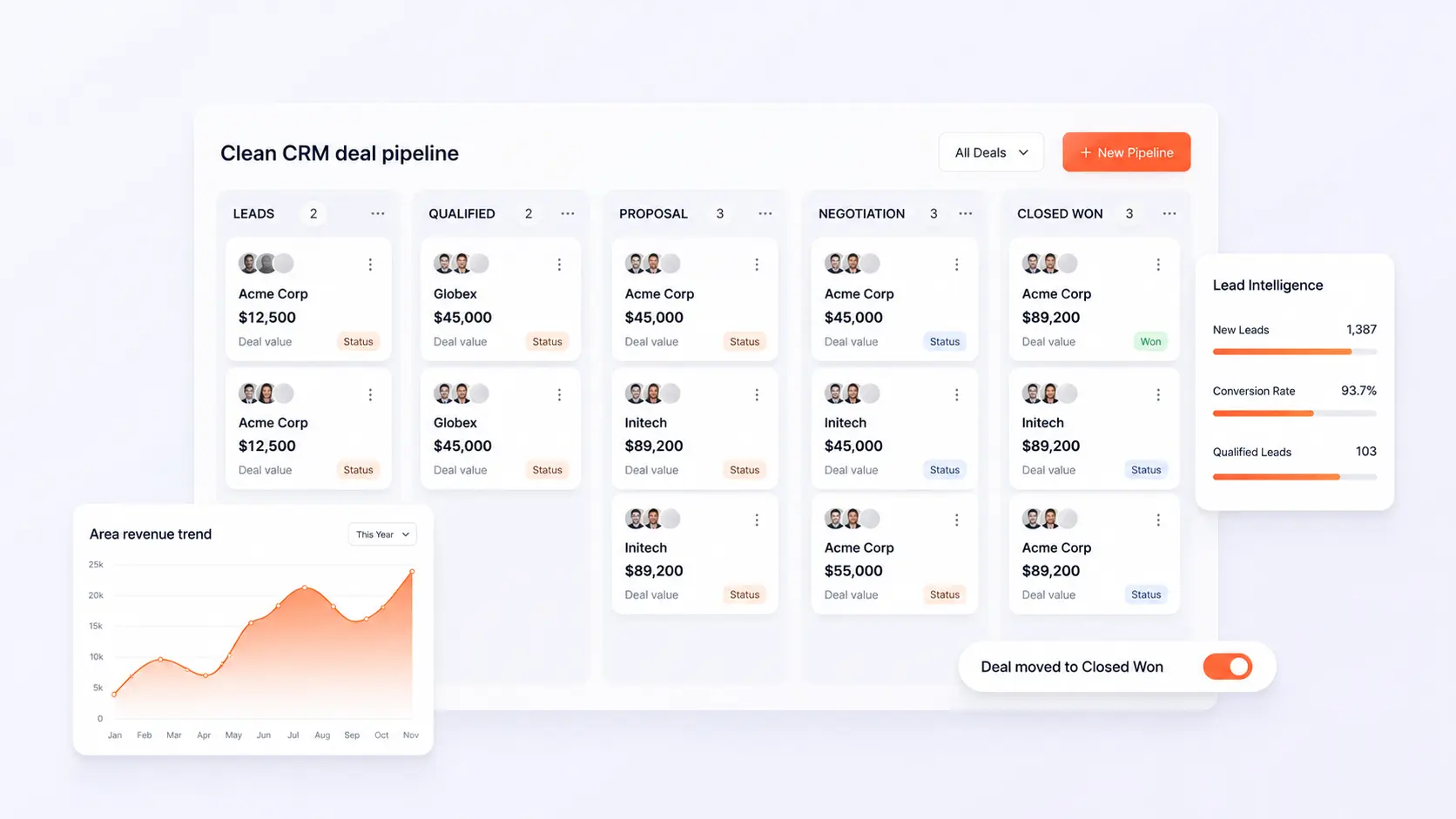
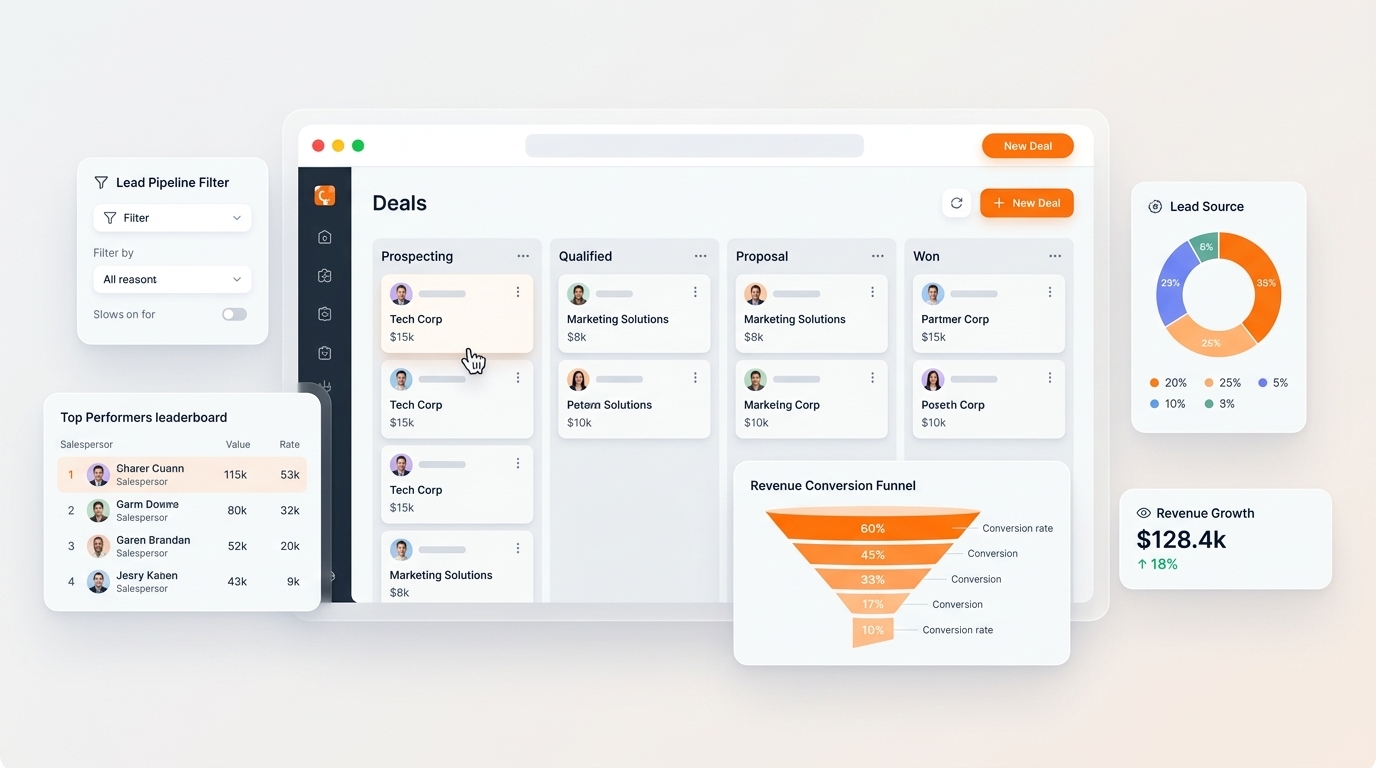
A modern business workspace like C36Space decouples monolithic suites into lightweight, composable applications that share a single data core. You start with only what you need today—such as Invoicing and CRM—and activate additional modules like Inventory or Payroll as your business expands, with zero data re-platforming.
3. The Architectural Advantage for Founders
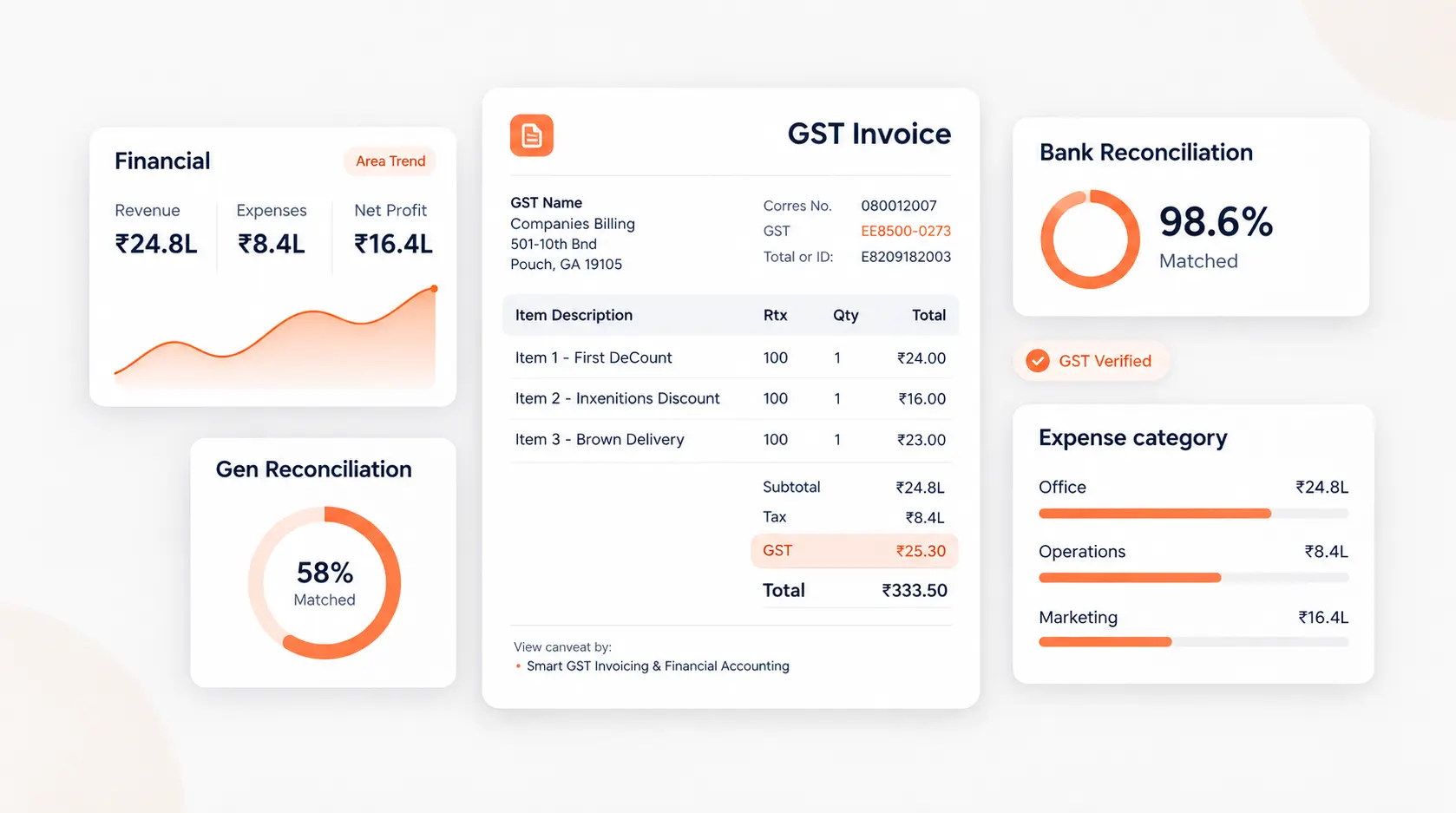
Because all modules communicate through unified database models, updates to customer records, inventory counts, and financial ledgers happen instantaneously. Founders get executive clarity and real-time operational telemetry without paying ongoing consulting fees.
Next Steps & Implementation Roadmap
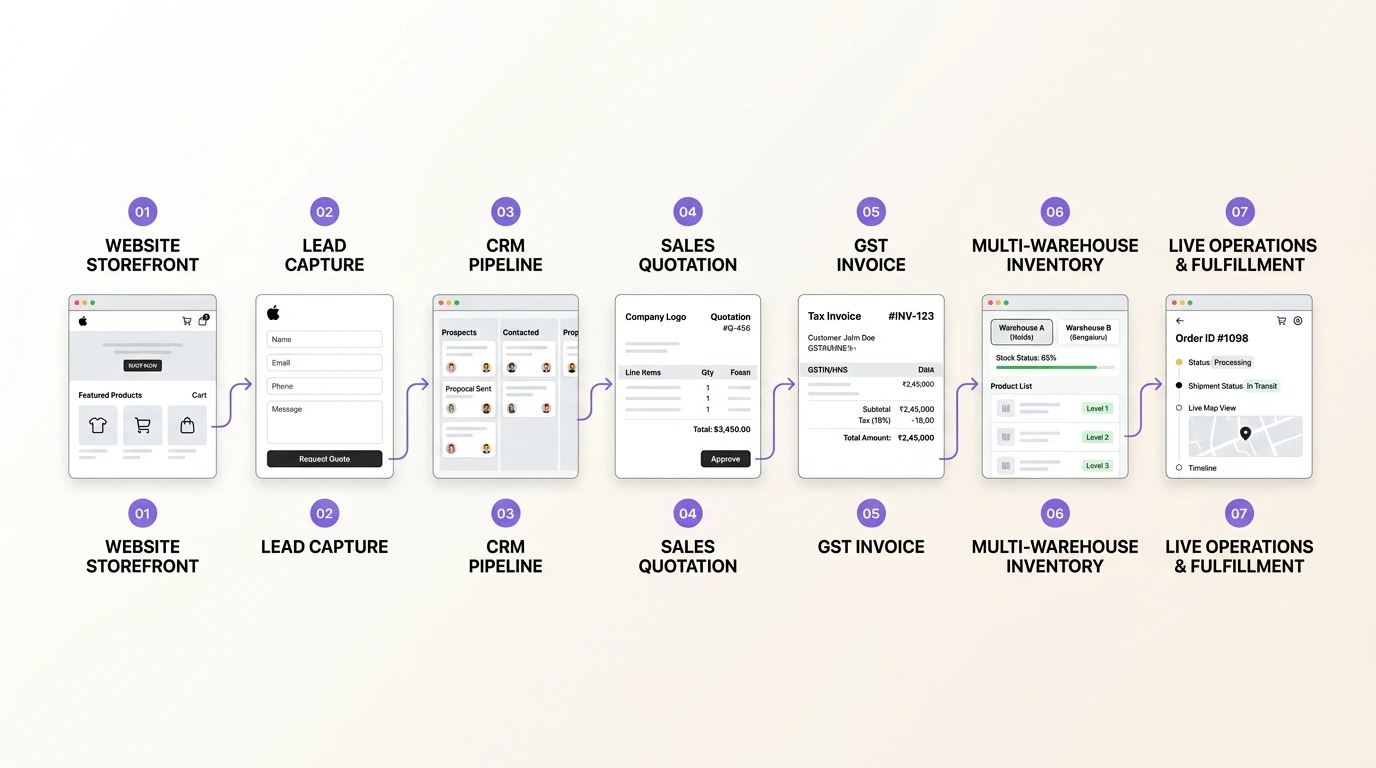
Transitioning to a unified workspace does not require months of downtime. By leveraging modular cloud provisioning, organizations deploy core strategy workflows in parallel with existing processes, verifying data accuracy before switching live operations. Explore the related architecture guides below or activate your free 14-day trial to experience unified operations firsthand.
Ready to optimize your business operations?
Activate your 14-day free trial of C36Space. Unify CRM, invoicing, payroll, and inventory in one connected workspace.