CRM for SMBs: Stop Losing WhatsApp Leads
Learn how to centralize vendor chats and inbound mobile leads directly into your sales pipeline with zero data leakage.
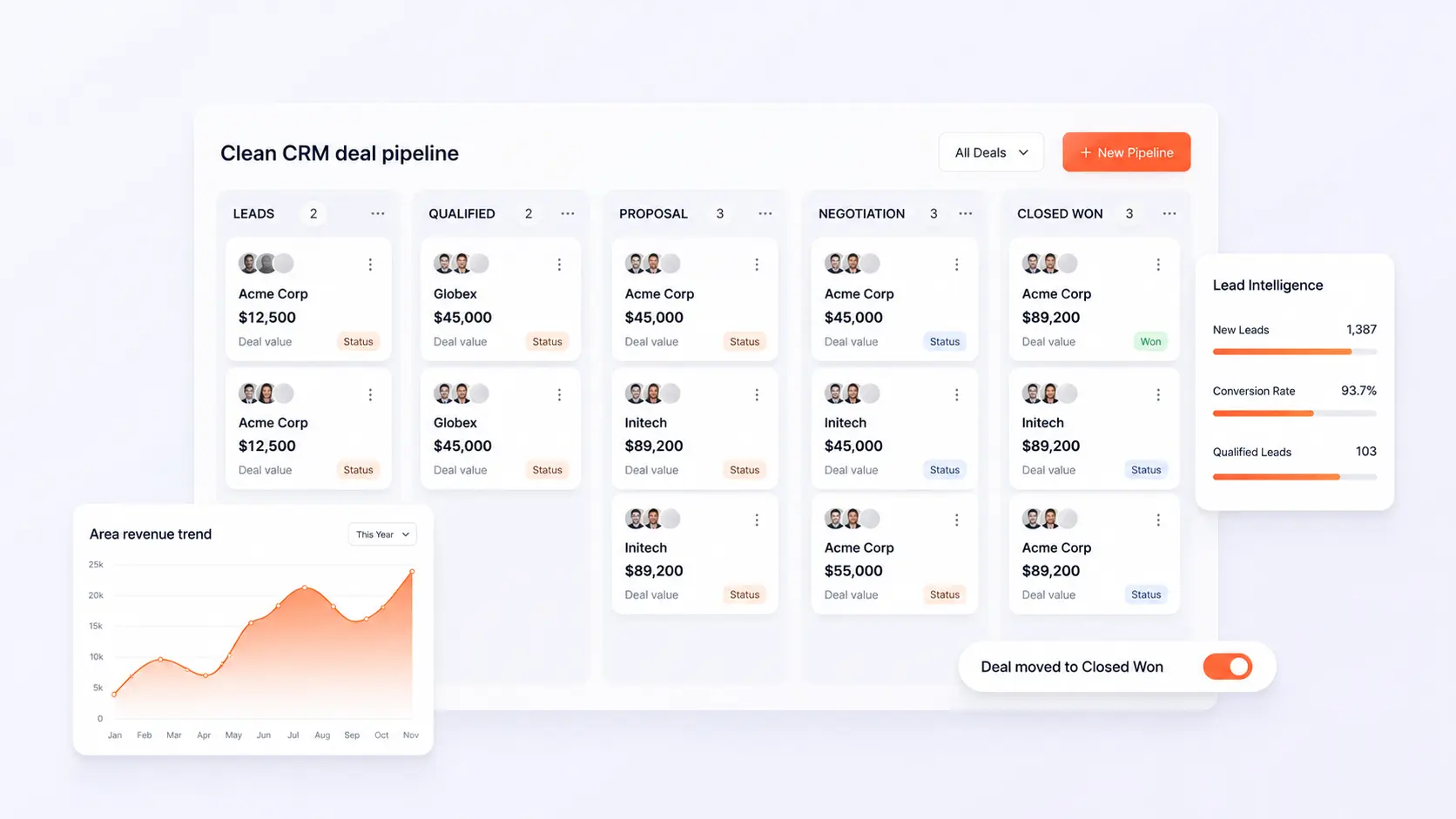
Learn how to centralize vendor chats and inbound mobile leads directly into your sales pipeline with zero data leakage. In modern competitive markets, disconnected operations create invisible friction, delayed reporting, and customer churn. This blueprint outlines how growing organizations deploy agile, connected workflows that scale with zero administrative overhead.
- Centralized Chat Ingestion: Route inquiries from WhatsApp Business directly into CRM deal cards visible to the entire sales desk.
- Automated Lead Qualification: Trigger instant automated welcome messages and capture basic inquiry criteria before rep handoff.
- Prevent Lead Ownership Loss: Inquiries belong to the company, not individual sales reps' personal mobile devices.
- Full Conversation Archives: Retain complete chat transcripts, quotation PDFs, and order approvals attached to client profiles.
1. The WhatsApp Lead Leakage Crisis
In emerging markets, over 70% of B2B transactions initiate via WhatsApp. Yet most small businesses manage these conversations on individual sales reps' personal phones. When a rep leaves the company or forgets to follow up, valuable customer relationships and pipeline revenue vanish overnight.
2. Connecting WhatsApp Directly to Your CRM Core
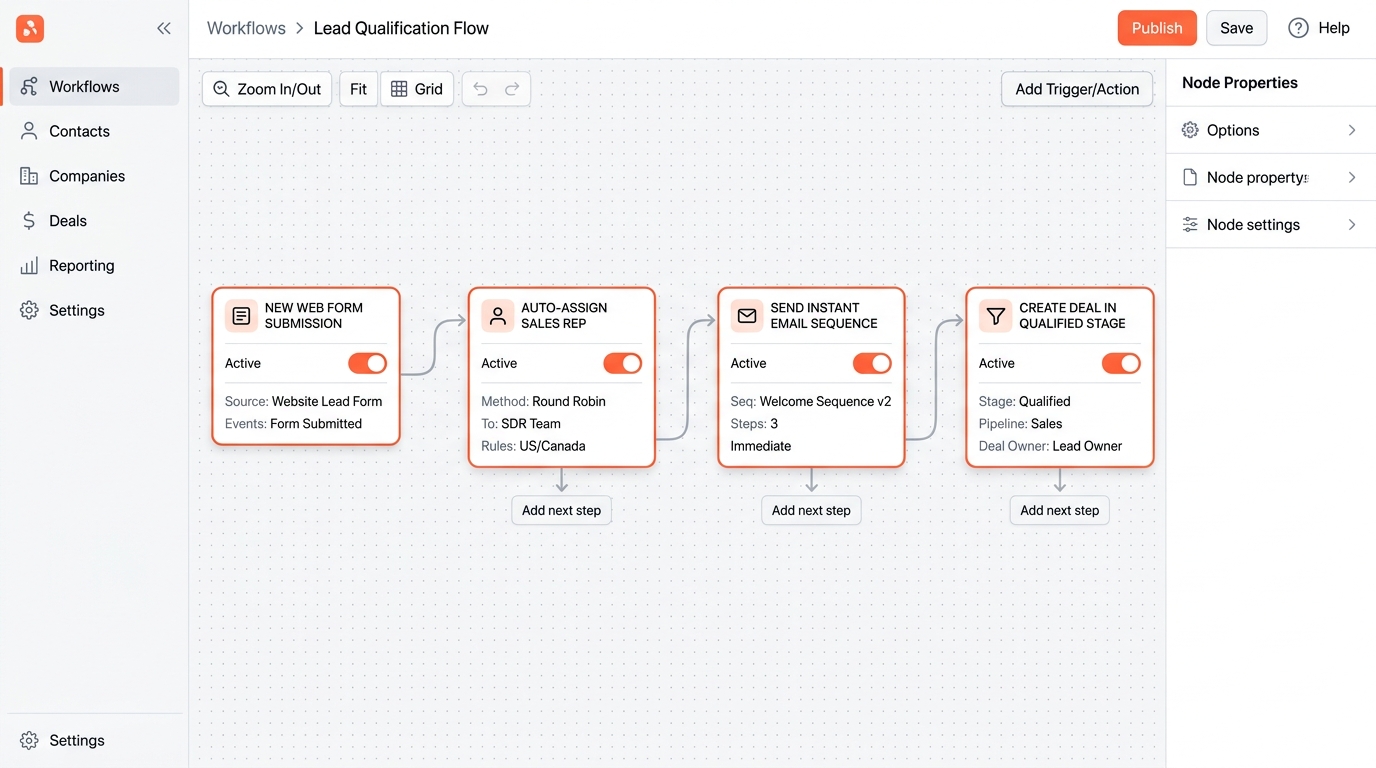
C36Space integrates WhatsApp communication channels directly into your CRM. When a new prospect messages your official business number, the system automatically creates a CRM lead, logs the chat transcript, and assigns an available sales representative.
3. Automated Follow-Ups and Instant Quotations
Reps can send PDF quotations and interactive payment links directly inside the chat conversation. The moment the customer approves the quote or completes payment, the CRM updates deal stage and triggers order fulfillment automatically.
Next Steps & Implementation Roadmap
Transitioning to a unified workspace does not require months of downtime. By leveraging modular cloud provisioning, organizations deploy core sales workflows in parallel with existing processes, verifying data accuracy before switching live operations. Explore the related architecture guides below or activate your free 14-day trial to experience unified operations firsthand.
Ready to optimize your business operations?
Activate your 14-day free trial of C36Space. Unify CRM, invoicing, payroll, and inventory in one connected workspace.