Do You Need an ERP, or Just a Connected Workspace?
Identify whether your company requires complex corporate governance flows or simply synced tools that keep teams aligned without silos.

Identify whether your company requires complex corporate governance flows or simply synced tools that keep teams aligned without silos. In modern competitive markets, disconnected operations create invisible friction, delayed reporting, and customer churn. This blueprint outlines how growing organizations deploy agile, connected workflows that scale with zero administrative overhead.
- Operational Reality Check: Most SMBs do not need rigid corporate audit trails; they need fast, accurate data synchronization.
- Team Autonomy: Enable individual departments to move quickly without waiting for corporate IT change-request approvals.
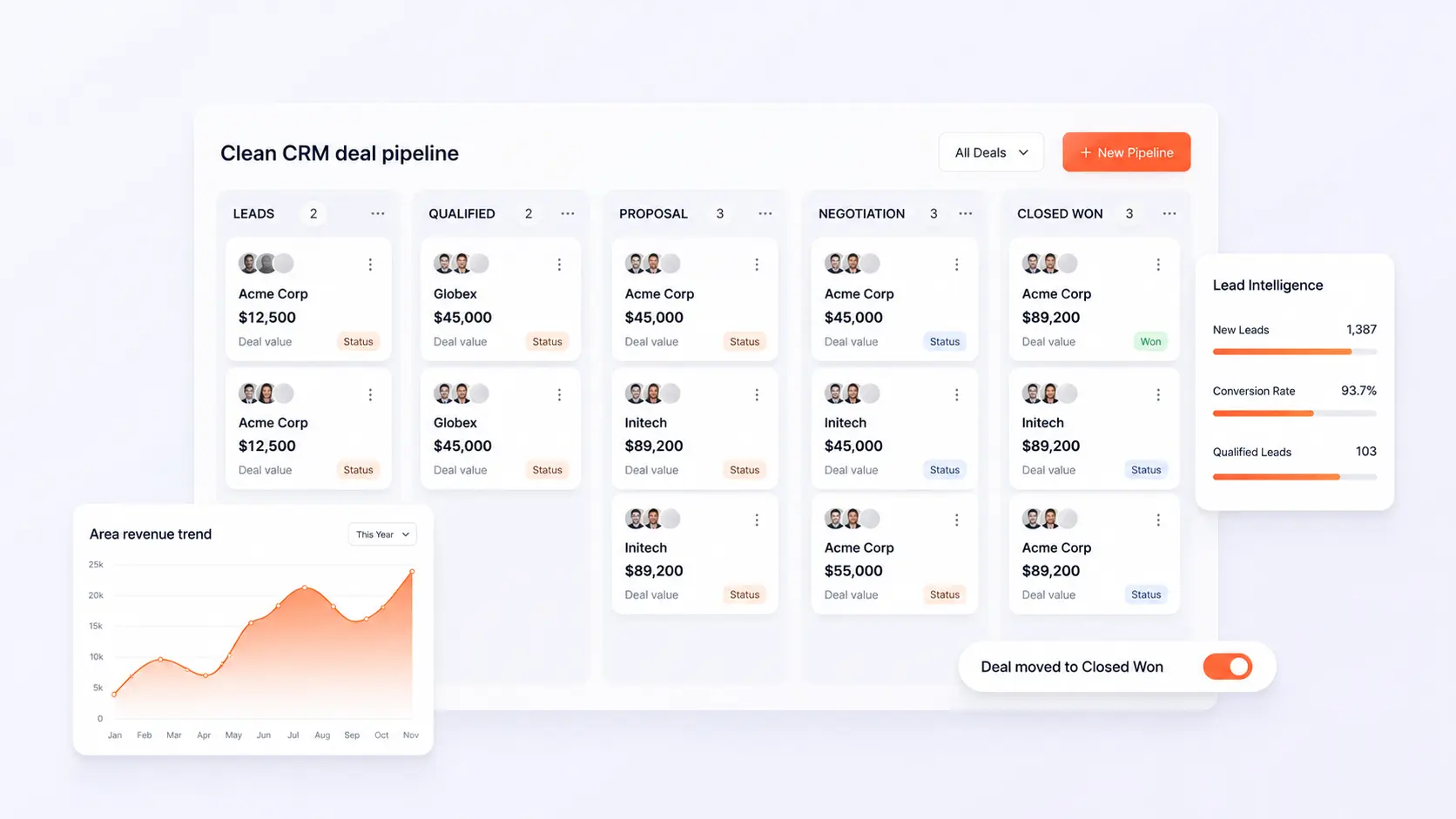
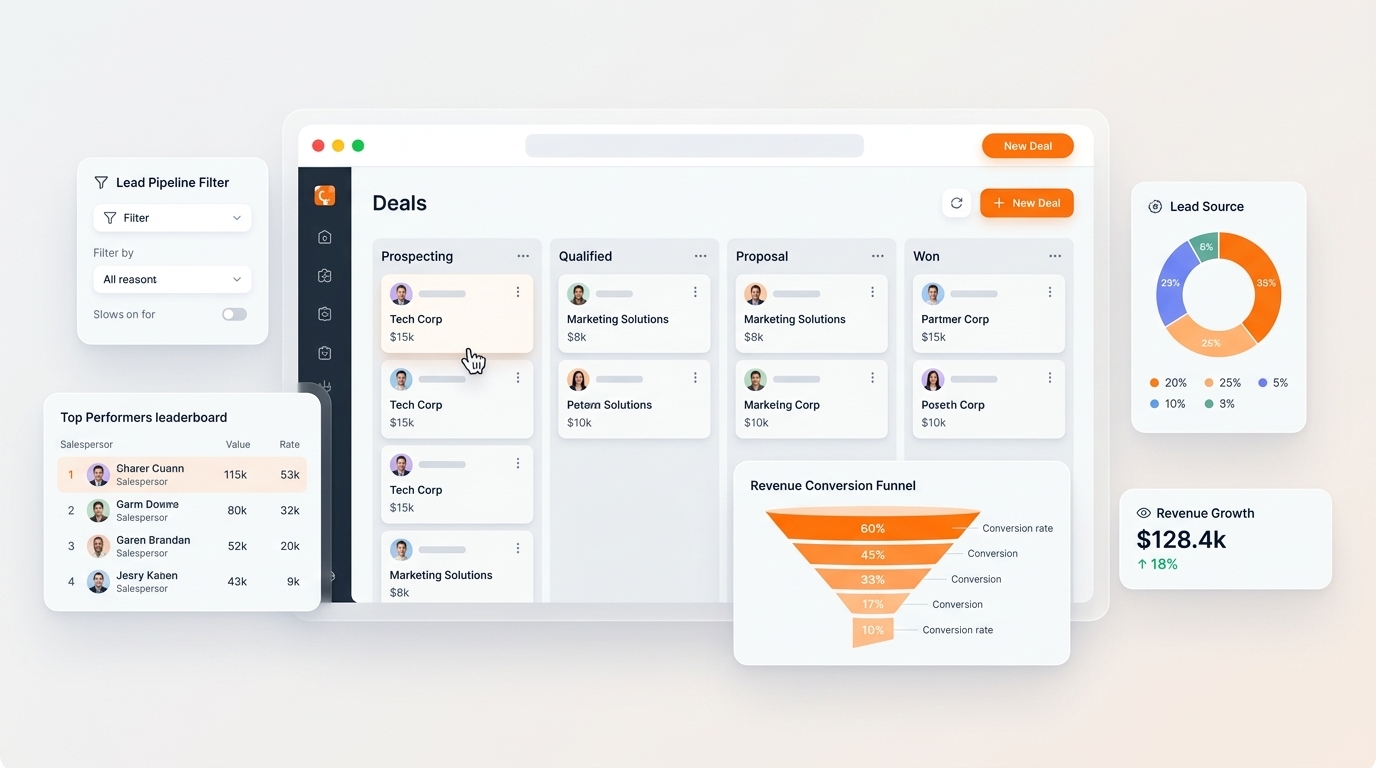
- Unified Customer Truth: Connect sales pipelines, billing records, and delivery tickets to a single customer record.
- Implementation Roadmap: Practical steps to transition from disjointed SaaS tools to a connected workspace in under two weeks.
1. The Disconnect Between Enterprise Software and Real Business Needs
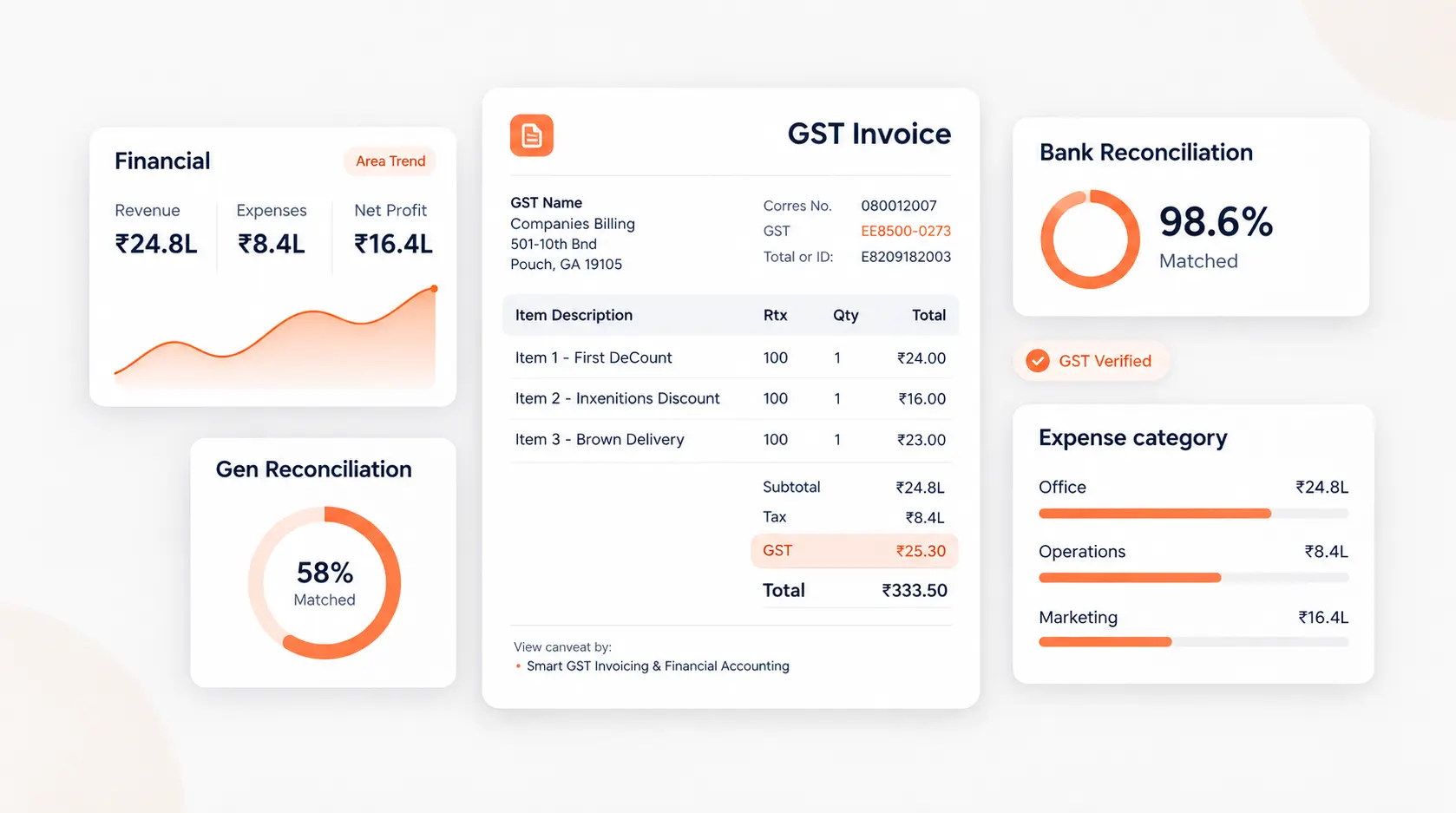
Many founders are persuaded to buy full-scale ERP systems by aggressive sales reps, only to realize that their business simply needs reliable invoicing, CRM lead tracking, and accurate stock monitoring without 200 pages of compliance configuration menus.
2. What a Connected Workspace Solves
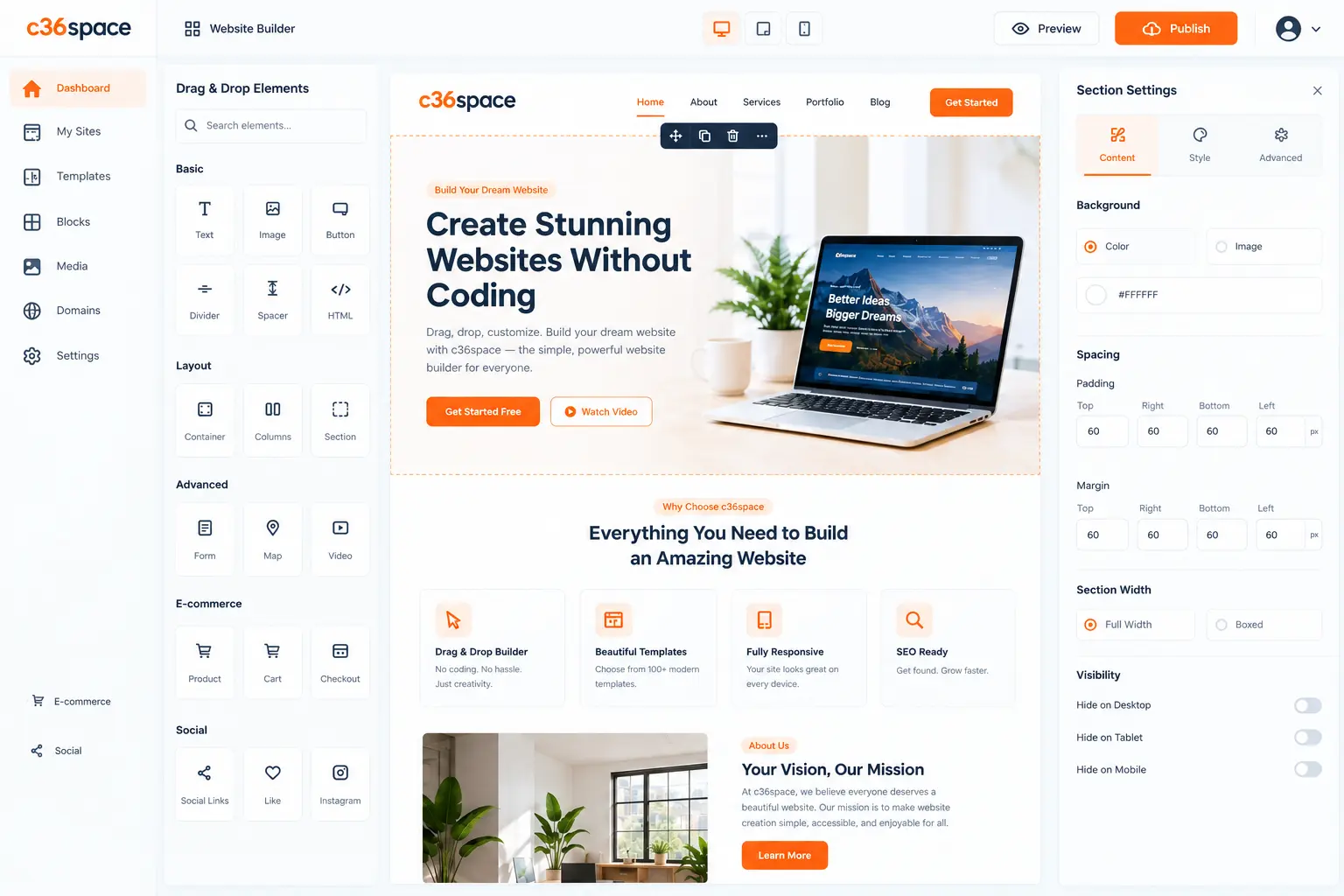
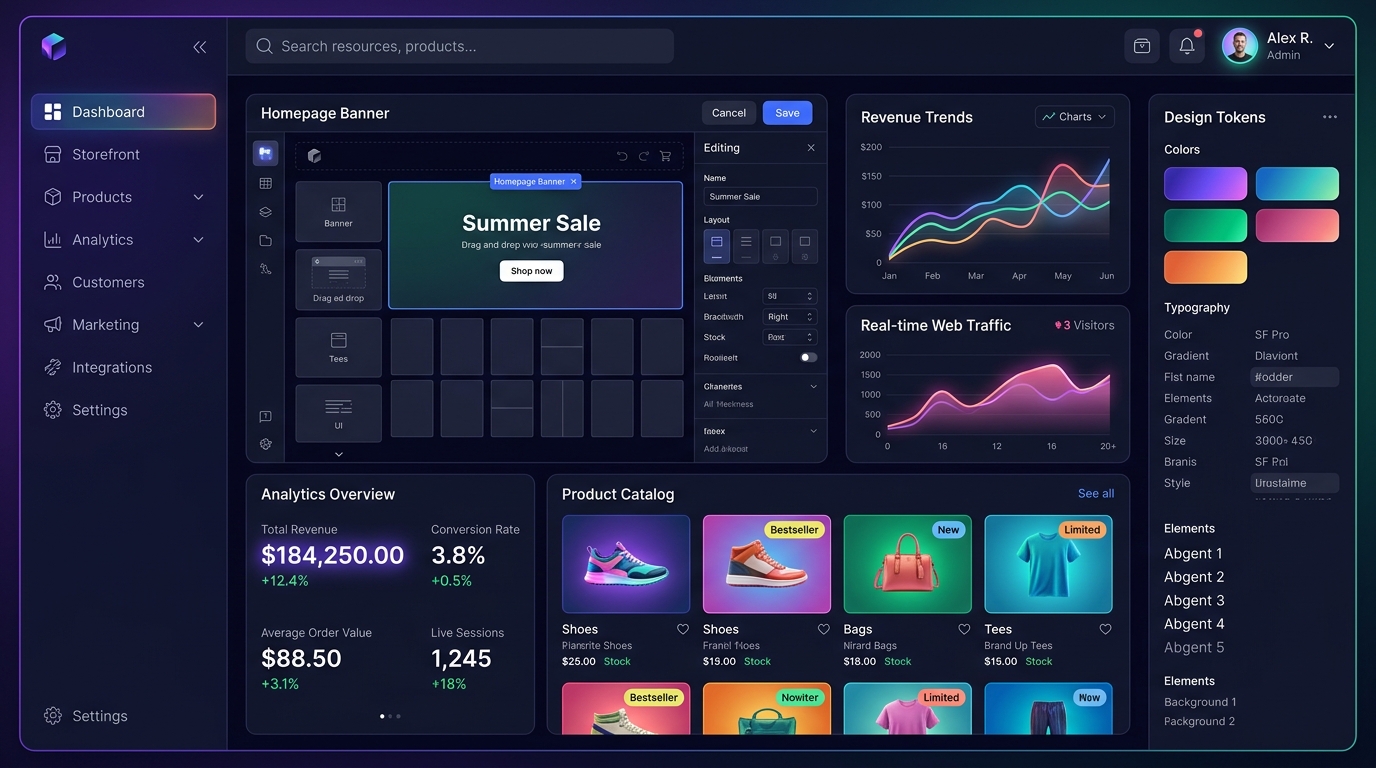
A connected workspace gives you the benefits of an ERP—one single source of truth for all operational data—without the complexity. You get fast apps that work together out of the box, letting your team focus on serving customers and growing revenue.
3. The 14-Day Transition Framework
Start by identifying your core operational bottleneck: is it invoicing delays, lead leakage, or inventory stockouts? Migrate that single function to C36Space first, verify the data flow, and gradually bring other operations into the workspace seamlessly.
Next Steps & Implementation Roadmap
Transitioning to a unified workspace does not require months of downtime. By leveraging modular cloud provisioning, organizations deploy core strategy workflows in parallel with existing processes, verifying data accuracy before switching live operations. Explore the related architecture guides below or activate your free 14-day trial to experience unified operations firsthand.
Ready to optimize your business operations?
Activate your 14-day free trial of C36Space. Unify CRM, invoicing, payroll, and inventory in one connected workspace.