Email Marketing Lists Belong in Your CRM
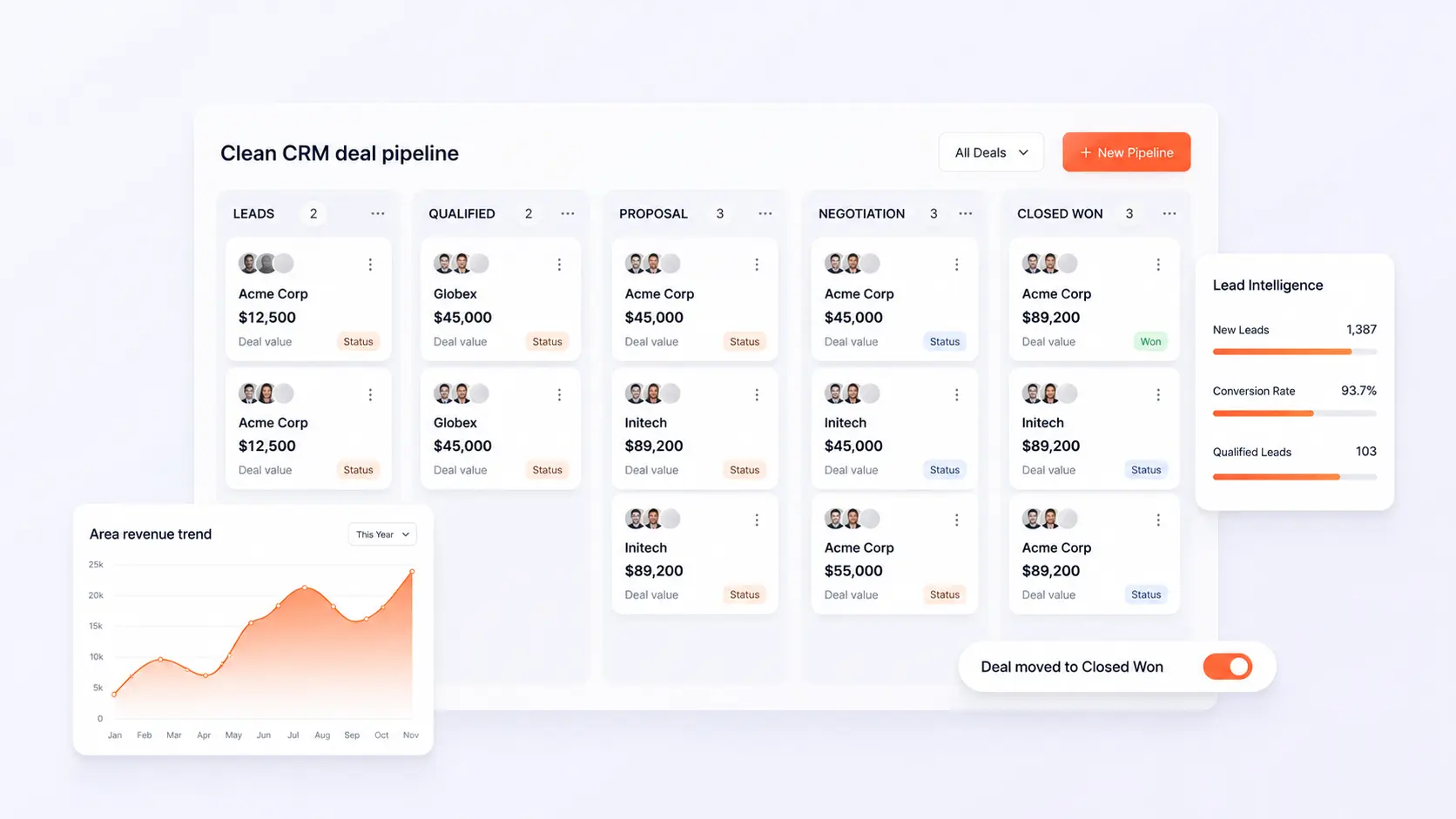
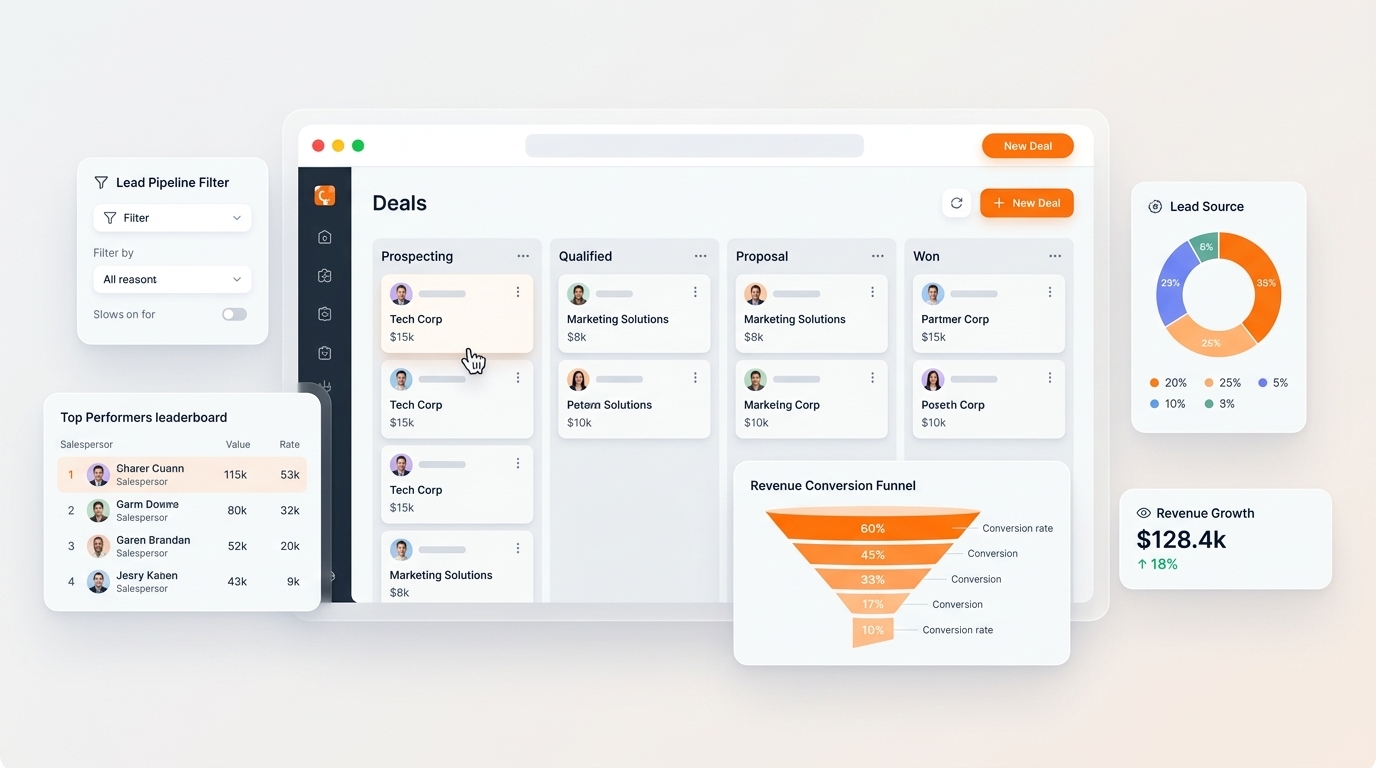
Build dynamic marketing lists based on active deal stages, customer purchase histories, and real-time database transactions.

Build dynamic marketing lists based on active deal stages, customer purchase histories, and real-time database transactions. In modern competitive markets, disconnected operations create invisible friction, delayed reporting, and customer churn. This blueprint outlines how growing organizations deploy agile, connected workflows that scale with zero administrative overhead.
- Dynamic Auto-Updating Lists: Prospects automatically move in and out of email campaign segments as their CRM deal stage progresses.
- Zero CSV Exporting: Eliminate manual list downloads and spreadsheet uploads that create privacy risks and outdated contact lists.
- Contextual Personalization: Insert actual customer details—such as past order items, rep names, and renewal dates—into emails.
- Rep Notification Triggers: Alert assigned account managers immediately when a high-value prospect clicks an email link.
1. The Problem with Standalone Email Marketing Software
When email marketing tools operate separately from your sales CRM, sales reps and marketing teams work at cross-purposes. Marketing sends promotional discount emails to enterprise leads that sales is actively negotiating with at full price, confusing buyers and damaging trust.
2. Dynamic Real-Time Segment Targeting
Because C36Space Email Marketing connects directly to your operational database, you build lists using real-time filters: e.g., 'Customers with pending invoices over $5,000' or 'Prospects whose deals entered Negotiation stage this week'. As data changes, lists update automatically.
3. Closing the Feedback Loop
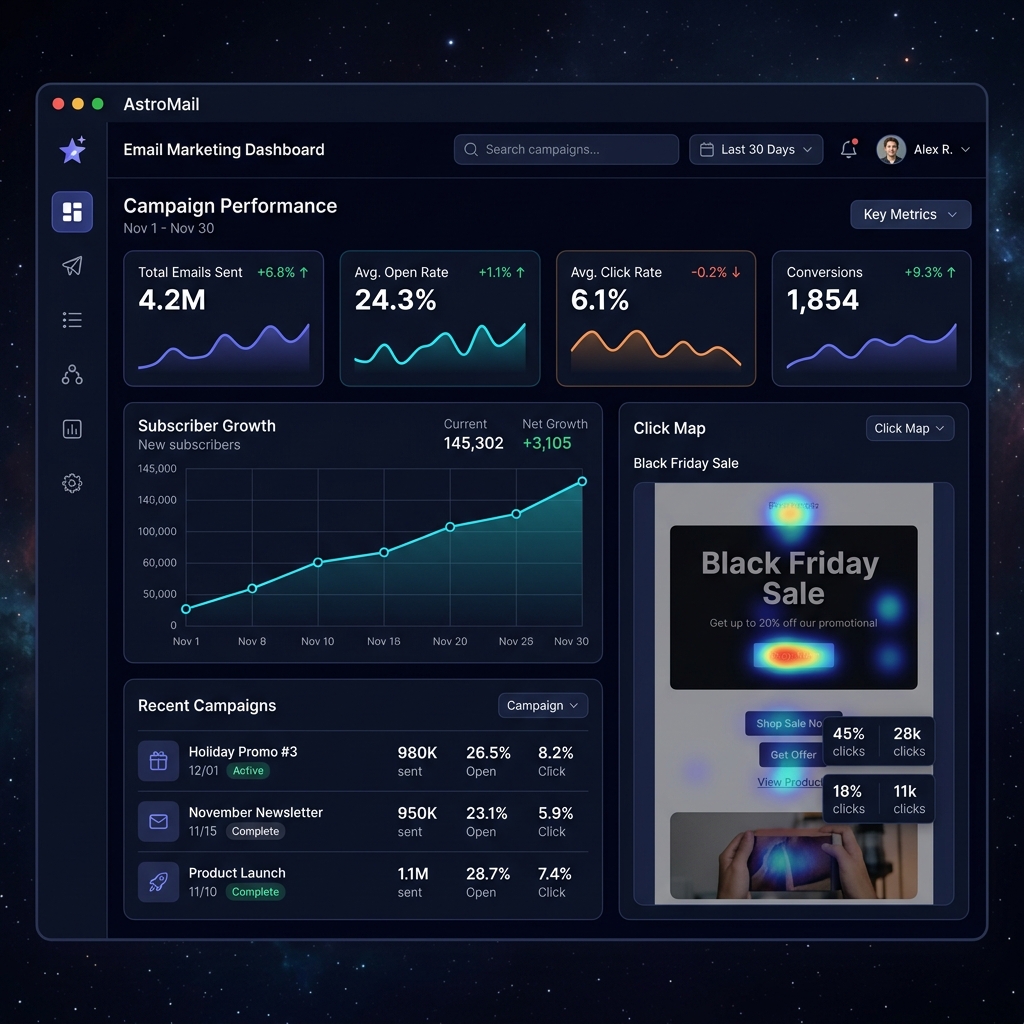
When an existing customer opens a product update newsletter or clicks a feature link, that interaction logs on their CRM customer timeline. Account managers gain valuable context before their next check-in call, driving higher upsell and retention rates.
Next Steps & Implementation Roadmap
Transitioning to a unified workspace does not require months of downtime. By leveraging modular cloud provisioning, organizations deploy core marketing workflows in parallel with existing processes, verifying data accuracy before switching live operations. Explore the related architecture guides below or activate your free 14-day trial to experience unified operations firsthand.
Ready to optimize your business operations?
Activate your 14-day free trial of C36Space. Unify CRM, invoicing, payroll, and inventory in one connected workspace.