Skip to Content
← Back to Resources Strategy

How to Tell If Your Business Has Outgrown Spreadsheets (But Not Yet ERP)

Published June 2026 | 12 min read | By C36Space Editorial Team
Outgrown Spreadsheets

Spreadsheets are the ultimate starter tool for business operations. But as your team expands, a single deleted cell formula can throw off your entire stock valuation, signaling that you have outgrown spreadsheets.

Key Takeaways

  • Secure Database Core: Lock cell data and prevent accidental edits from throwing off your ledger values.
  • Auto-Sync Inventories: Update stock counts instantly as sales occur, preventing manual data entries.
  • Role-Based Access: Restrict database views by department to protect sensitive client financial info.
  • Avoid High IT Overhead: Choose a connected workspace as a cheaper, modular alternative to heavyweight ERP.

What are the signs you have outgrown spreadsheets?

When you start a business, spreadsheets are free, flexible, and simple to use. But as you add workers and products, they quickly become an operational risk. The first sign you have outgrown spreadsheets is data lag. If you are spending hours every week manual-typing numbers from WhatsApp or email into your worksheets, your tools are holding you back.

Another sign is user conflict. When multiple employees try to edit the same file, versions drift, leading to conflicting files. Worse, because basic spreadsheets lack audit trails, you cannot identify who modified a cell formula or deleted an invoice record, resulting in mismatched financial books.

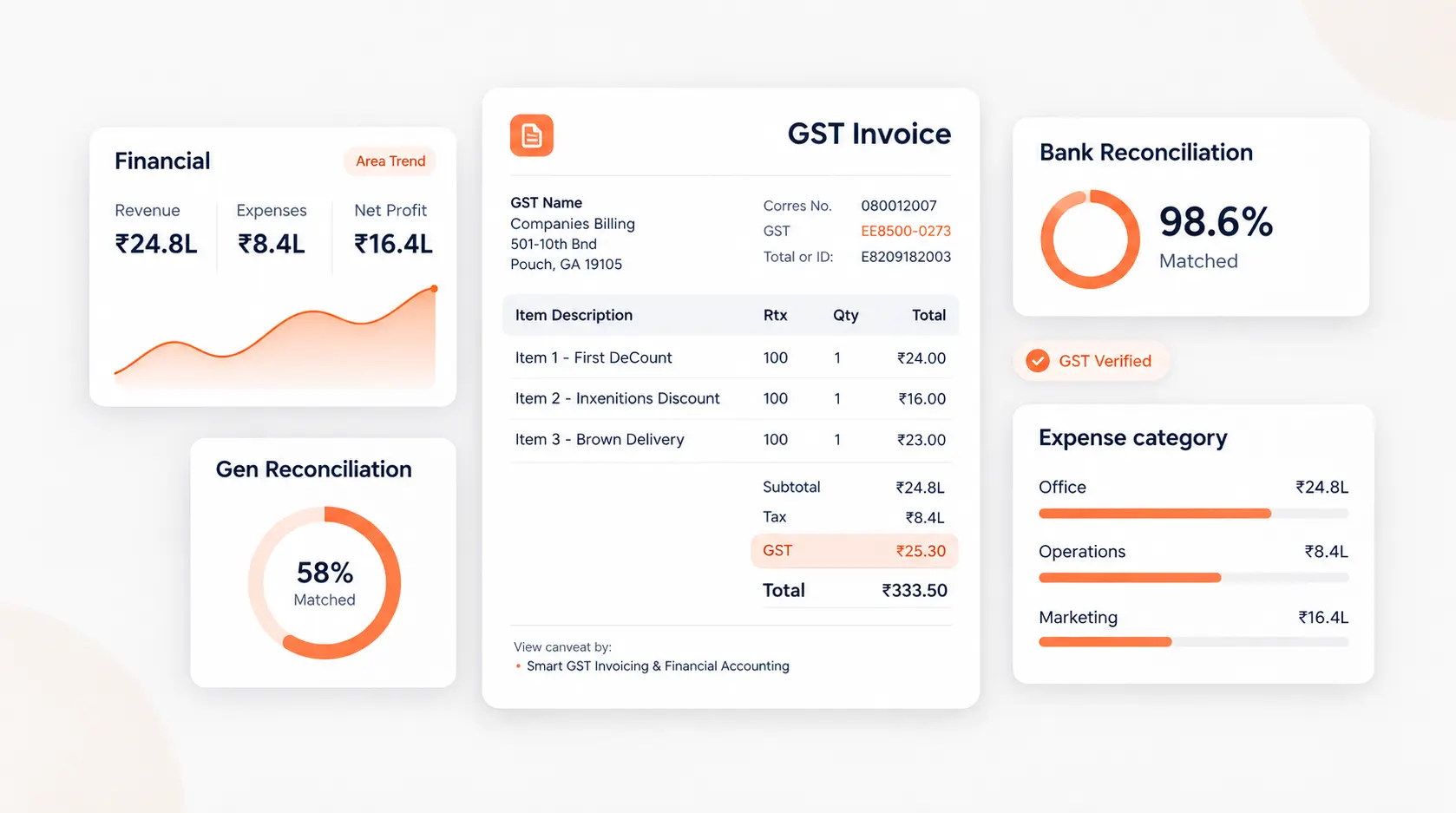
Secure database records replacing spreadsheets

Database tables enforce cell types and validation boundaries. This blocks users from inputting text in pricing fields or editing locked invoices, keeping your record values safe.

Why is an ERP not the right step after spreadsheets?

Many founders assume the only alternative to spreadsheets is a massive enterprise ERP. This is an expensive mistake. Monolithic software suites are designed for enterprise governance, not small business growth. They require high setup fees, months of custom database configuration, and dedicated IT admins to run.

Transitioning from simple sheets straight into a monolithic system is too much change for a small team. The complexity often causes workers to abandon the new tool and return to spreadsheets in secret. A modular workspace provides a perfect middle ground: the simplicity of tables connected to a secure database.

How does a connected workspace bridge the gap?

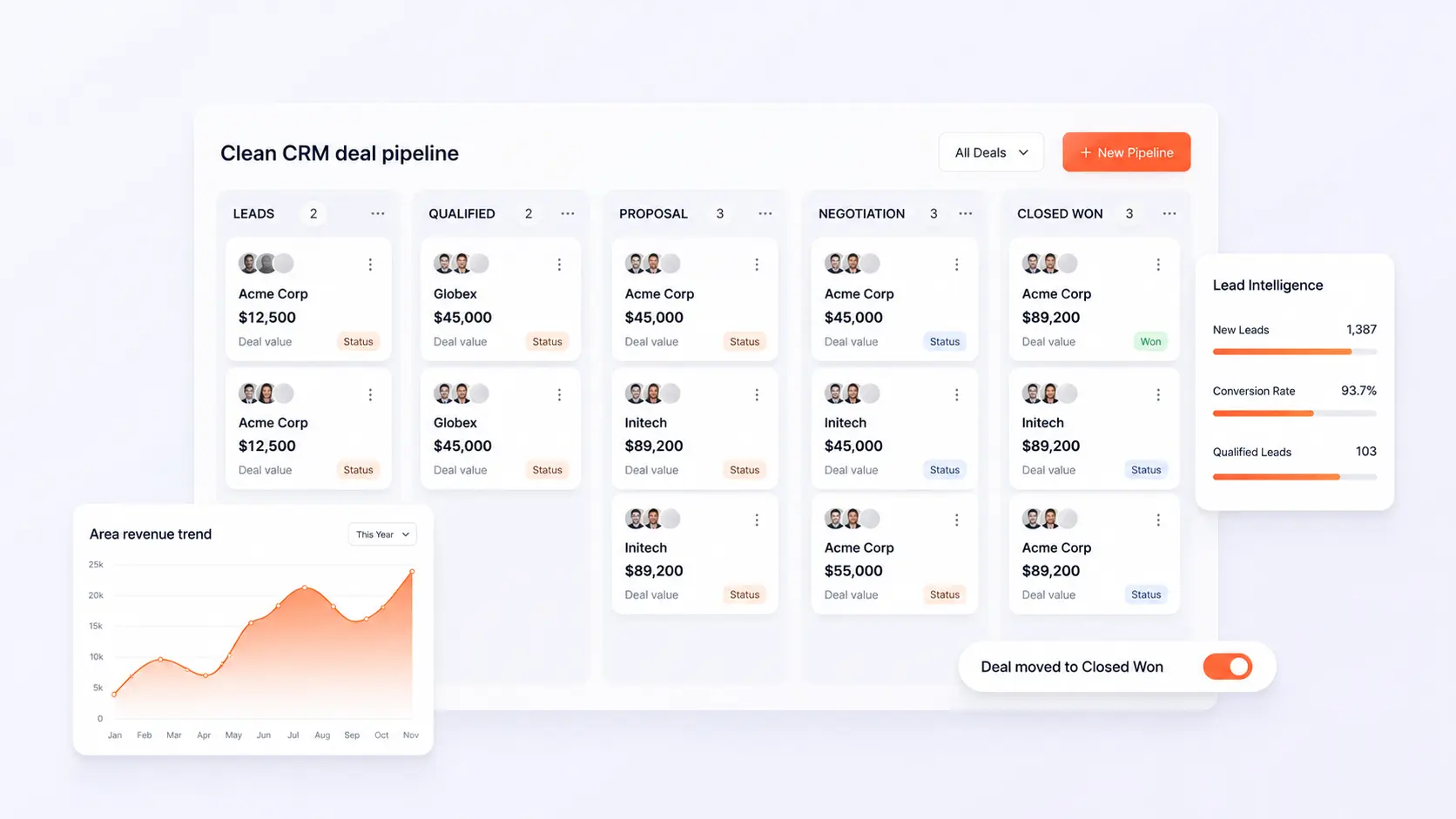
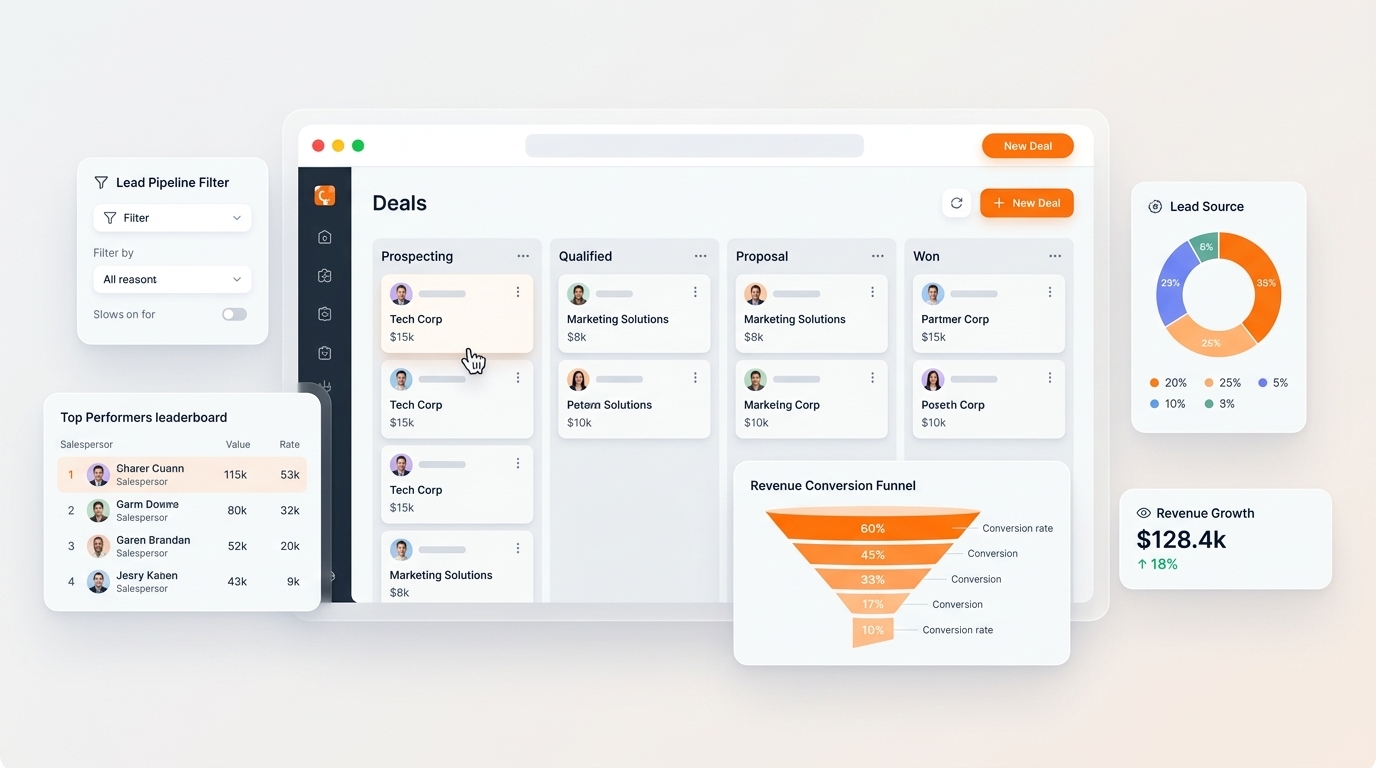
A connected workspace keeps your data organized in simple, visual tables that look like spreadsheets but behave like a secure database. By using modular apps like Sales & CRM and Inventory & Warehouse, you secure your database records while letting teams work simultaneously.

The core benefit is automation. When a sales order is validated, the system automatically adjusts stock counts and generates invoice drafts. No formulas to break, and no manual copy-pasting required, keeping your books accurate and clean.

Moving Beyond Spreadsheets

Operational Metric Spreadsheet Worksheets Connected Workspace (C36Space)
Data Safety Poor. Cell formulas can be accidentally deleted or overwritten. High. Database access is locked down by role permissions.
Automation None. Requires manual copy-pasting of numbers. Natively automated order-to-invoice syncing.
Team Sync Conflict files occur when multiple users edit at once. Real-time synchronization on a unified database core.

How a Delhi merchant saved 12 hours a week

A wholesale electronics distributor in Delhi was running their entire business on three shared sheets: one for stock counts, one for sales invoices, and one for client contacts. During a busy week, a worker accidentally deleted a row formula in the inventory sheet. The system miscalculated their stock values, causing the merchant to order ₹1,20,000 of unnecessary parts while running out of high-demand items.

They moved their operations to C36Space. By replacing their sheets with the Sales and Inventory modules, they locked their product database. The moment a client purchased an item, the system updated the stock count instantly. This simple transition saved the merchant 12 hours a week previously wasted on checking spreadsheet formulas and prevented costly order mistakes.

Frequently Asked Questions

How do I know if I have outgrown spreadsheets?

When you experience frequent data entry typos, conflict files from concurrent editors, and spend hours manually copy-pasting details between standalone files.

Is an ERP the only option after spreadsheets?

No. Traditional ERP is too complex and heavy for most growing teams. A modular business workspace offers a simpler, cheaper alternative that keeps your workflows agile.

What is the best spreadsheet alternative for SMBs?

A connected business workspace like C36Space, which provides visual dashboards that feel like sheets but are backed by a secure database core.
💡 Pro Tip for SMB Owners

When replacing sheets, don\'t try to replicate your entire manual workflow. Use standard database templates to clean up your product logs and client lists first, then map your sales steps.

Ready to optimize your operations?

Start your free 14-day trial of C36Space and experience seamless ERP automations.

Start Free Trial