POS Software That Talks to Inventory
Speed up store checkouts and sync local retail register sales directly to your central inventory sheets without manual sync delays.
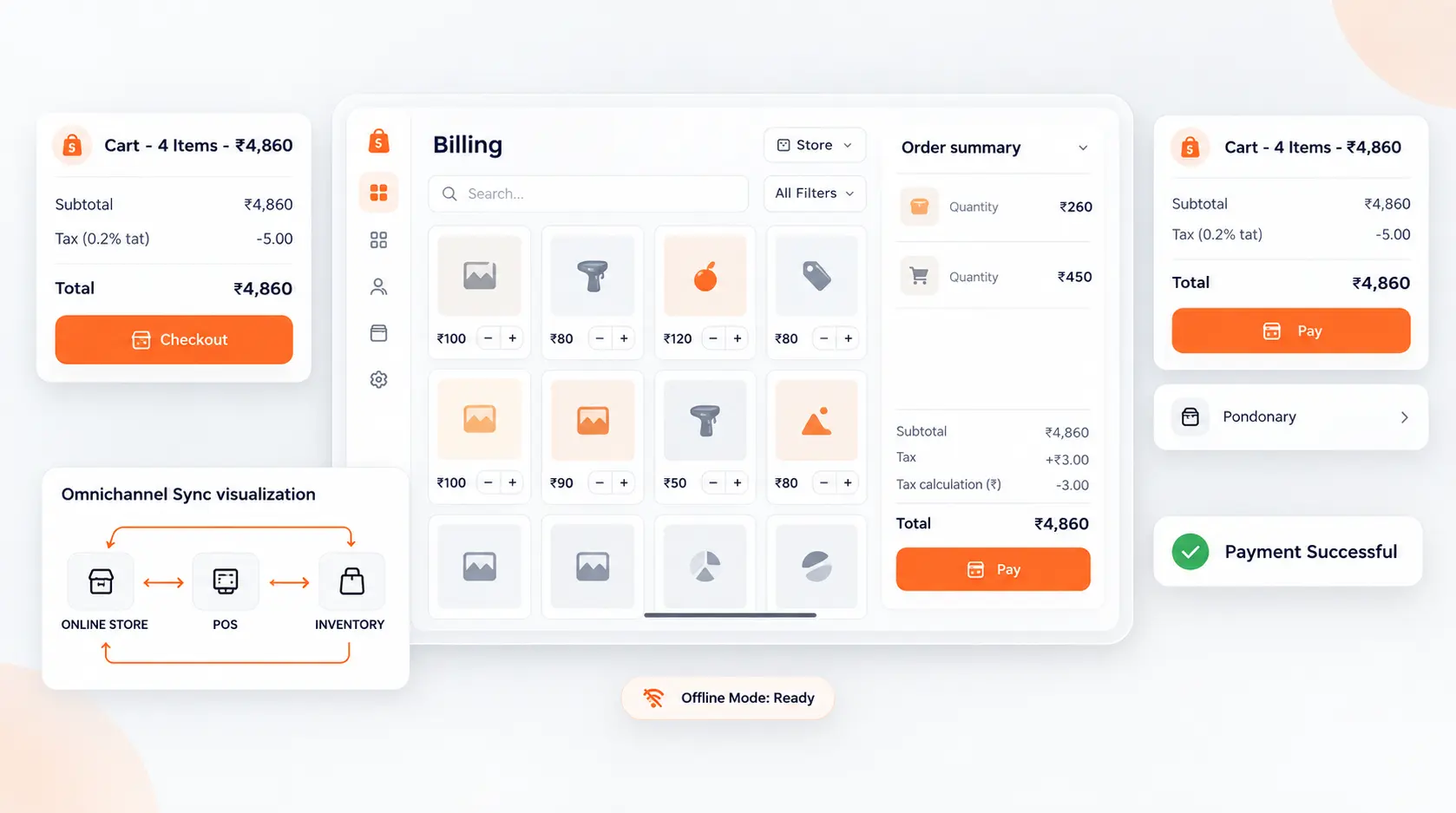
Speed up store checkouts and sync local retail register sales directly to your central inventory sheets without manual sync delays. In modern competitive markets, disconnected operations create invisible friction, delayed reporting, and customer churn. This blueprint outlines how growing organizations deploy agile, connected workflows that scale with zero administrative overhead.
- Offline Resilient POS: Process transactions seamlessly even during retail internet outages; sales sync automatically once reconnected.
- Real-Time Stock Updates: Barcode scans at the checkout counter deduct inventory from the store's physical location immediately.
- Integrated Digital Payments: Support UPI QR codes, credit cards, and cash split-payments with instant receipt printing.
- Loyalty & Customer Profiles: Recognize repeat buyers at the register and apply personalized discounts or reward points.
1. Offline Resilience for Busy Retail Stores
Retail stores cannot afford checkout delays when internet connectivity fluctuates. C36Space POS runs locally in the browser with offline caching. Cashiers continue scanning products and taking payments without interruption, and the system synchronizes data automatically when connection returns.
2. Immediate Inventory Deductions
Each sale at the register triggers an instant stock movement from that store's inventory location. Central warehouse managers can monitor real-time stock levels across all retail outlets and schedule replenishments before shelves run bare.
3. Unified Customer Profiles Across Channels
A customer who orders online can walk into your physical store for exchanges or loyalty point redemption. With unified database records, cashiers view customer history and preferences, creating a cohesive omnichannel shopping experience.
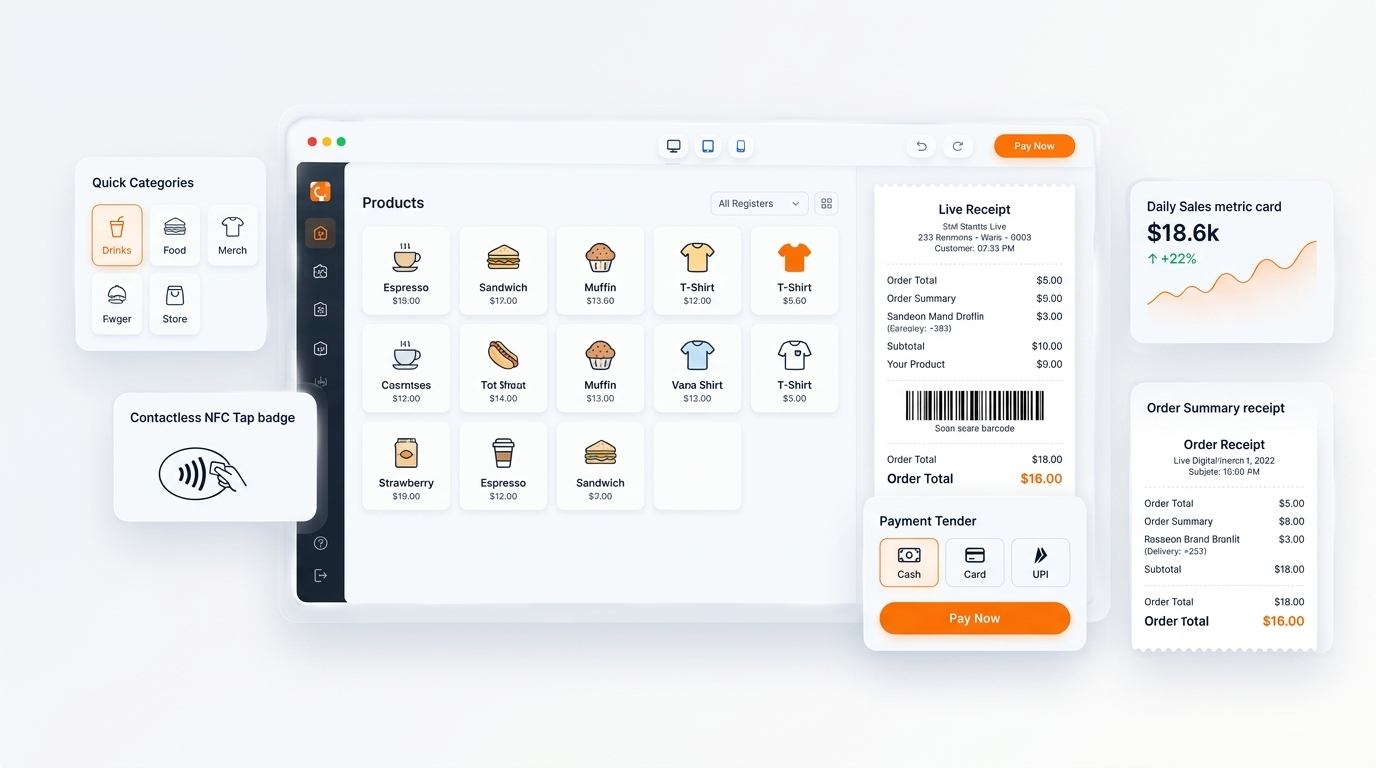
Next Steps & Implementation Roadmap
Transitioning to a unified workspace does not require months of downtime. By leveraging modular cloud provisioning, organizations deploy core operations workflows in parallel with existing processes, verifying data accuracy before switching live operations. Explore the related architecture guides below or activate your free 14-day trial to experience unified operations firsthand.
Ready to optimize your business operations?
Activate your 14-day free trial of C36Space. Unify CRM, invoicing, payroll, and inventory in one connected workspace.