Project & Services: Dynamic Milestones
Assign tasks, log precise employee timesheets, and bill milestones dynamically with integrated client portals and profitability telemetry.
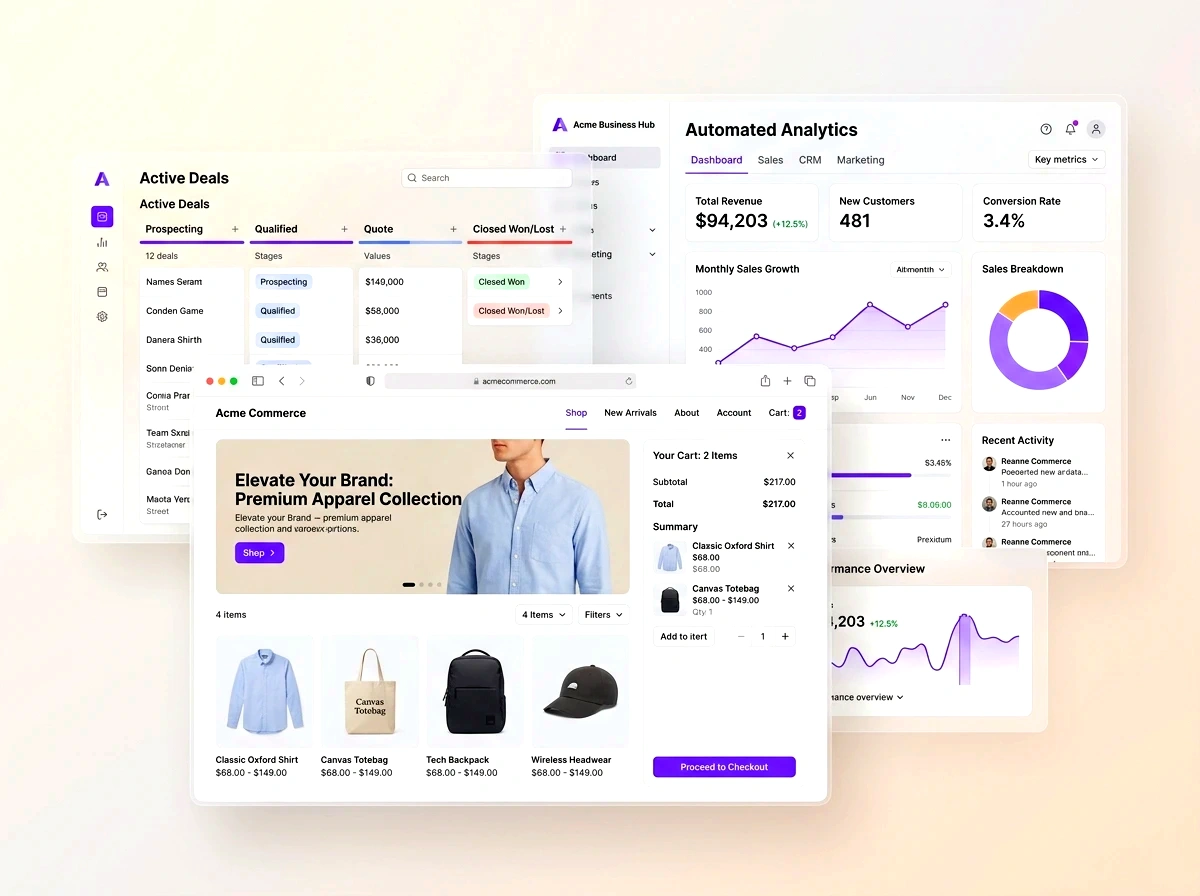
Assign tasks, log precise employee timesheets, and bill milestones dynamically with integrated client portals and profitability telemetry. In modern competitive markets, disconnected operations create invisible friction, delayed reporting, and customer churn. This blueprint outlines how growing organizations deploy agile, connected workflows that scale with zero administrative overhead.
- Interactive Gantt & Kanban: Visualize milestone dependencies, resource allocations, and project critical paths seamlessly.
- Integrated Timesheet Logging: Billable hours logged on web or mobile flow directly into customer billing runs without manual spreadsheets.
- Milestone Profitability Telemetry: Track realized margins in real time by comparing recorded labor and material expenses against contract value.
- Client Collaboration Portals: Give customers controlled access to project progress, file shares, and task sign-offs.
1. Resource Allocation Without Over-Allocation
Professional service agencies frequently struggle with project delays caused by invisible resource bottlenecks. C36Space provides interactive workload matrices showing employee capacity, active milestone allocations, and deadline projections across multiple client projects.
2. Seamless Timesheet to Invoicing Feeds
Revenue leakage occurs when consultants forget to record billable hours or finance teams miscalculate rate cards. With C36Space, timesheet entries are linked directly to contract rules, allowing finance to generate accurate client invoices in a single review click.
3. Client Transparency and Milestone Approvals
Client portals allow stakeholders to review completed deliverables, approve milestone sign-offs, and submit feedback without cumbersome email chains, establishing clear accountability and expediting milestone payment approvals.

Next Steps & Implementation Roadmap
Transitioning to a unified workspace does not require months of downtime. By leveraging modular cloud provisioning, organizations deploy core services workflows in parallel with existing processes, verifying data accuracy before switching live operations. Explore the related architecture guides below or activate your free 14-day trial to experience unified operations firsthand.
Ready to optimize your business operations?
Activate your 14-day free trial of C36Space. Unify CRM, invoicing, payroll, and inventory in one connected workspace.