Project Timesheets That Feed Into Invoicing
Slash billing review cycles and invoice billable milestone hours directly based on verified employee timesheet logs.
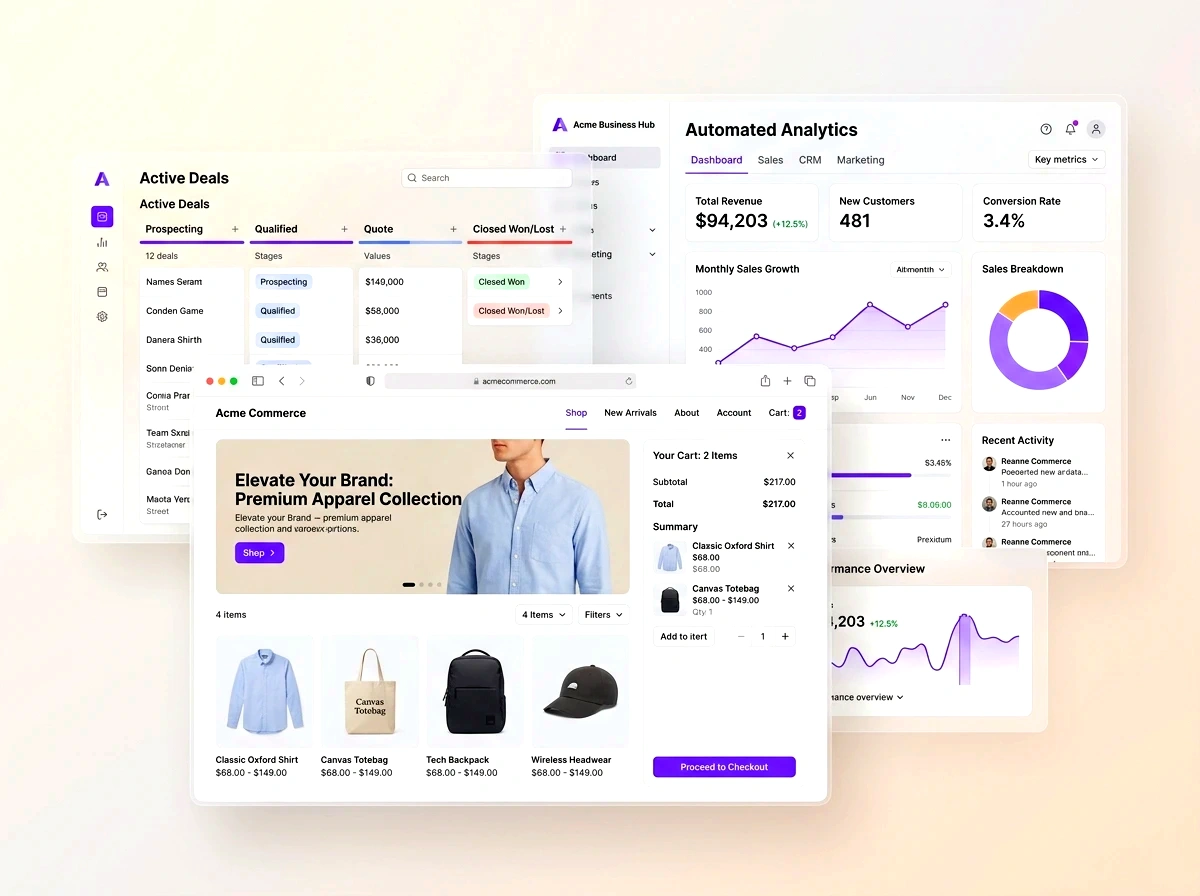
Slash billing review cycles and invoice billable milestone hours directly based on verified employee timesheet logs. In modern competitive markets, disconnected operations create invisible friction, delayed reporting, and customer churn. This blueprint outlines how growing organizations deploy agile, connected workflows that scale with zero administrative overhead.
- Accurate Time Tracking: Consultants record project hours on desktop or mobile apps with detailed work descriptions.
- Manager Approval Workflows: Project leads review and approve billable hours before time entries become eligible for client billing.
- Automated Rate Card Calculations: Compute billing amounts automatically based on employee seniority, project contracts, or milestone rules.
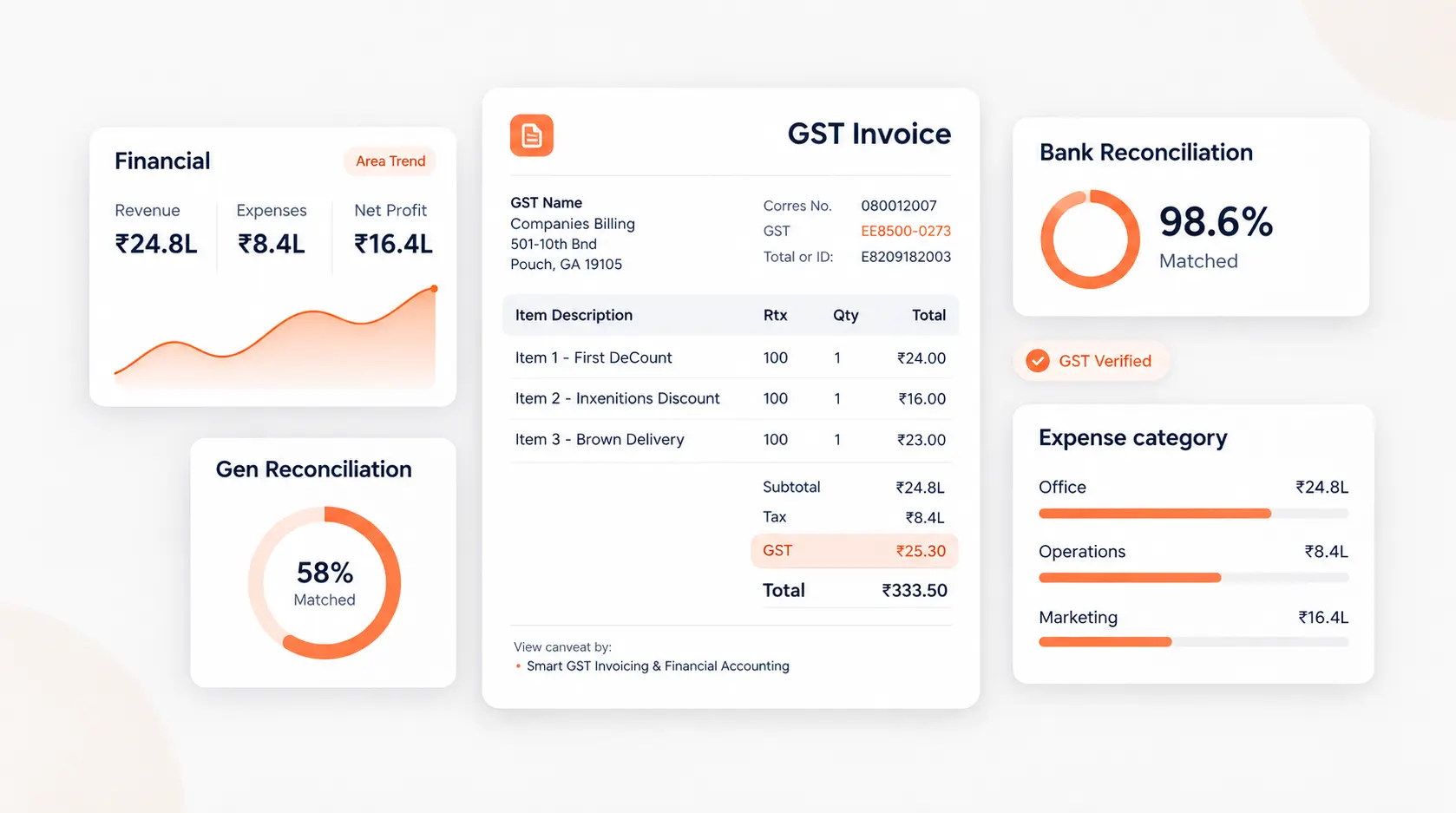
- Audit-Proof Invoices: Invoices attach detailed line-item timesheet breakdowns, giving clients complete confidence and speeding payment.
1. The Time-to-Invoice Lag Crisis
In professional services, billing delays directly harm cash flow. When consultants submit timesheets on spreadsheets at the end of the month, finance teams spend days auditing hours, cross-checking rate cards, and resolving disputed entries before sending invoices.
2. Instant Timesheet-to-Invoice Conversion
C36Space automates billing generation. Approved billable hours flow directly into invoice drafts. Finance managers review the aggregated summary and issue the invoice with attached timesheet proof in seconds.
3. Project Margin Visibility
By recording both the employee's cost rate and their client billing rate, C36Space calculates exact real-time profit margins for every project, allowing leadership to identify unprofitable accounts early.

Next Steps & Implementation Roadmap
Transitioning to a unified workspace does not require months of downtime. By leveraging modular cloud provisioning, organizations deploy core services workflows in parallel with existing processes, verifying data accuracy before switching live operations. Explore the related architecture guides below or activate your free 14-day trial to experience unified operations firsthand.
Ready to optimize your business operations?
Activate your 14-day free trial of C36Space. Unify CRM, invoicing, payroll, and inventory in one connected workspace.