Website Builder: Launching Your Startup Online
Learn how to build responsive, SEO-ready sites in minutes and capture leads directly into your CRM database without writing custom code.
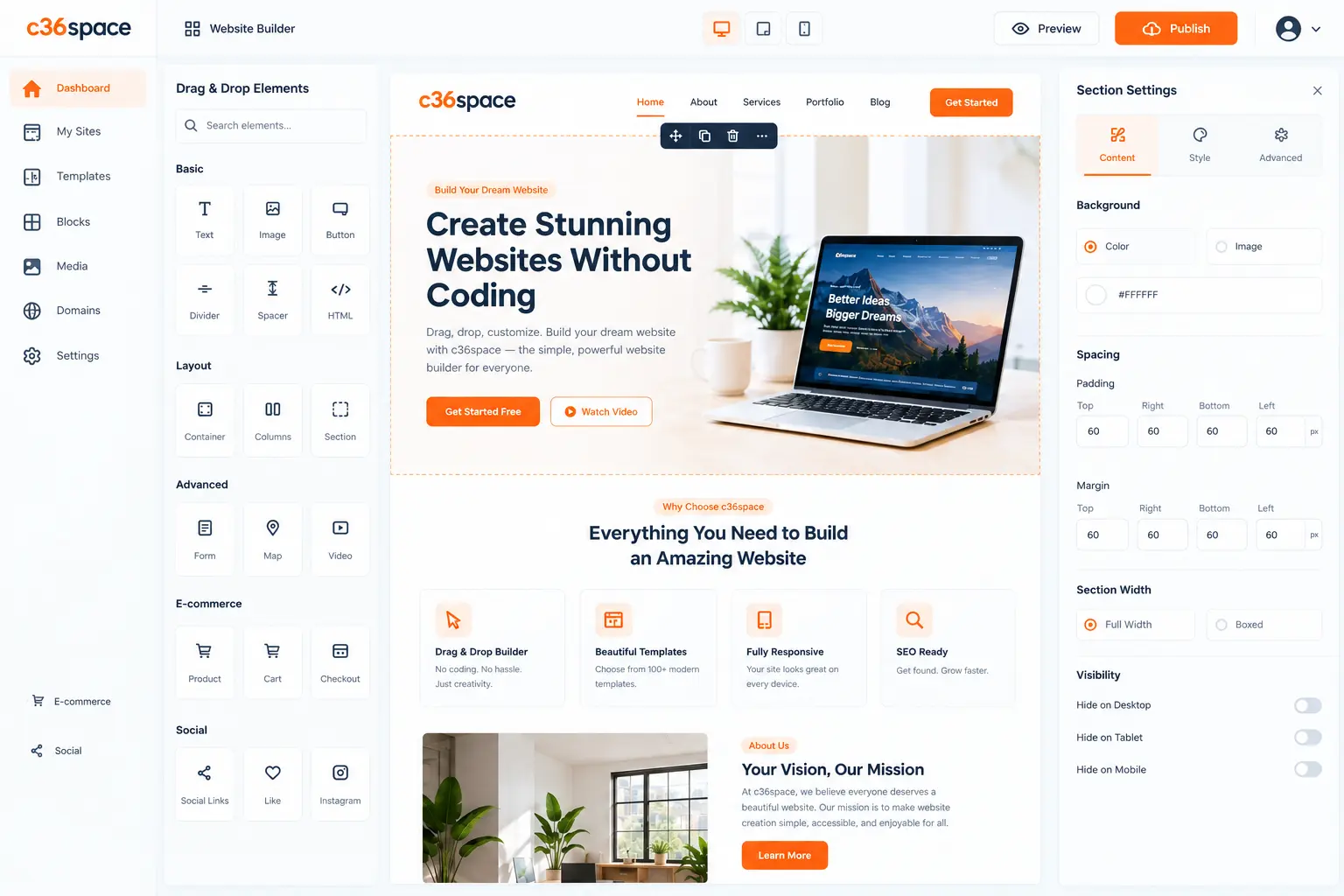
Learn how to build responsive, SEO-ready sites in minutes and capture leads directly into your CRM database without writing custom code. In modern competitive markets, disconnected operations create invisible friction, delayed reporting, and customer churn. This blueprint outlines how growing organizations deploy agile, connected workflows that scale with zero administrative overhead.
- Zero Code Required: Build responsive B2B landing pages and storefronts using inline modular building blocks.
- Native CRM Ingestion: Form submissions stream directly to your CRM pipeline with automatic sales rep routing.
- Enterprise SEO: Automated sitemaps, clean canonical URLs, Open Graph schemas, and sub-second loading speed.
- Statutory Security: Automatic SSL rotation and encrypted form submissions protect customer data from day one.
1. Drag-and-Drop Visual Architecture
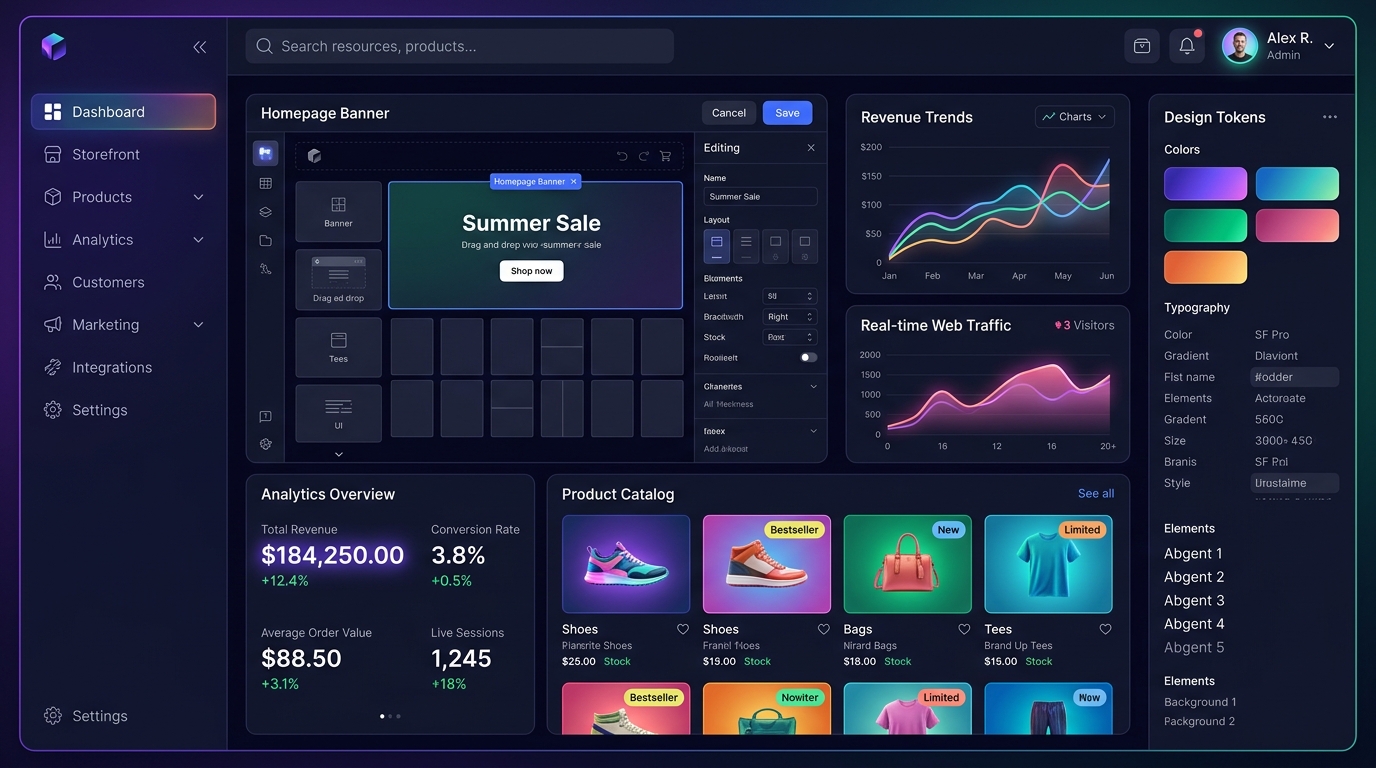
Designing an enterprise-grade website should not require weeks of external agency development. With C36Space Website Builder, founders assemble responsive pages using modular layout components. All building blocks conform to clean semantic HTML, automatically adapt to mobile viewports, and eliminate layout shift.
Rather than managing disconnected CMS plugins and fragile third-party page builders, your frontend assets live directly within your unified database. Changes published on your product catalog or pricing plans reflect on your public storefront in real time.
2. Zero-Loss Lead Capture & CRM Routing
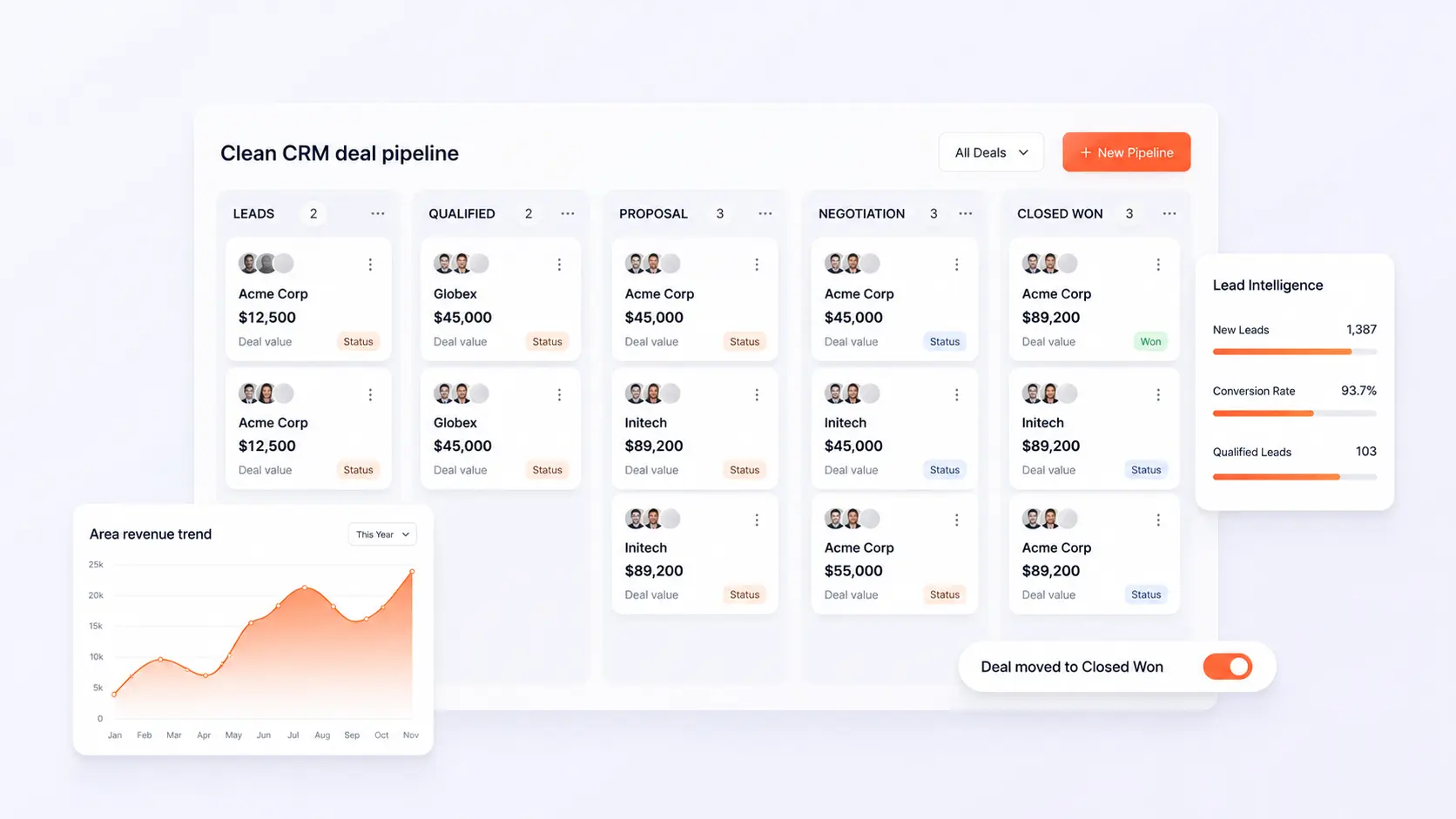
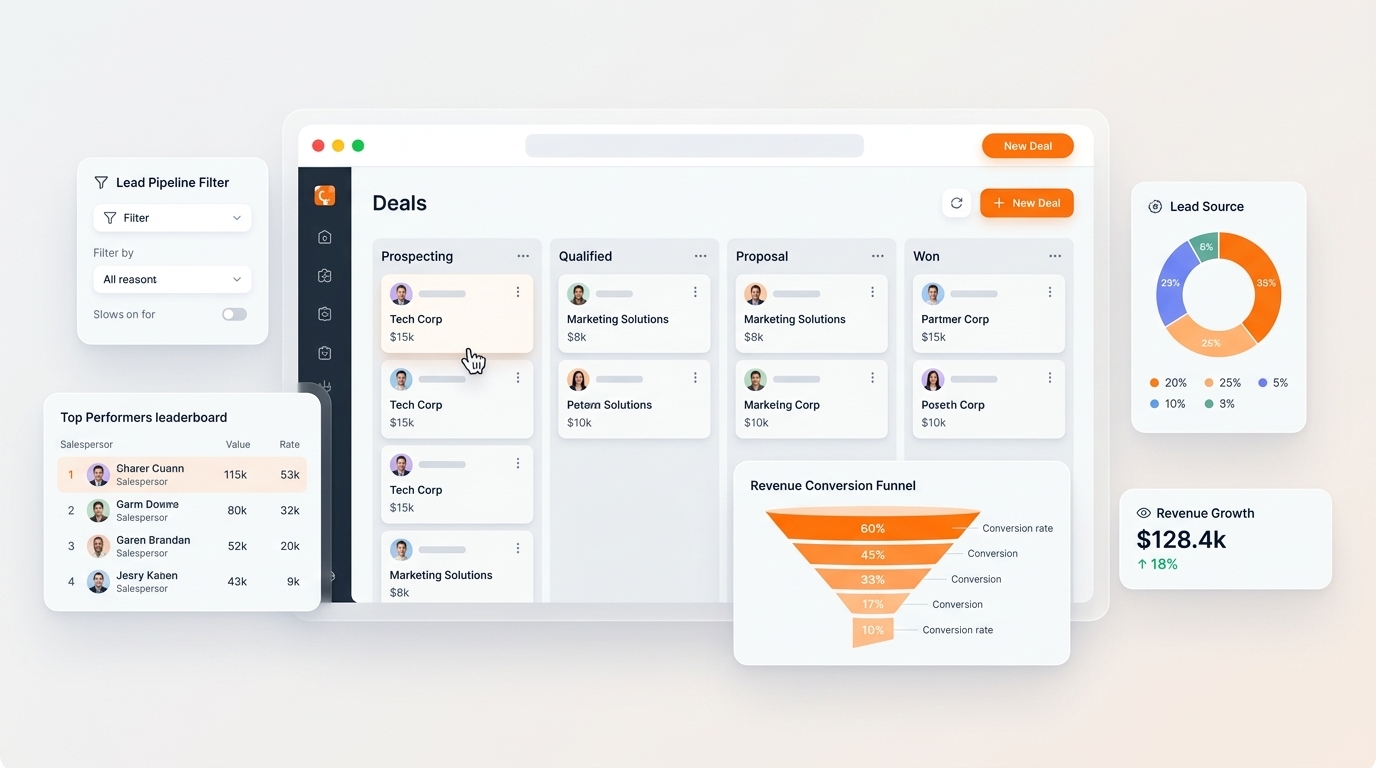
Traditional websites lose up to 30% of incoming leads through broken webhook connections and disconnected form plugins. In C36Space, every contact form, consultation request, and demo schedule is a direct database trigger. When a visitor submits their details, the system logs the prospect in your sales pipeline, assigns an account executive, and triggers an automated confirmation drip.
3. Automated Performance & SEO Compliance
Fast loading speed is essential for search ranking and conversion rates. Pages built with C36Space are pre-compressed, served via edge caching, and automatically optimized for Web Vitals standards. Built-in structured data and XML sitemaps ensure your offerings are indexed accurately across search engines without requiring separate SEO extensions.
Next Steps & Implementation Roadmap
Transitioning to a unified workspace does not require months of downtime. By leveraging modular cloud provisioning, organizations deploy core website builder workflows in parallel with existing processes, verifying data accuracy before switching live operations. Explore the related architecture guides below or activate your free 14-day trial to experience unified operations firsthand.
Ready to optimize your business operations?
Activate your 14-day free trial of C36Space. Unify CRM, invoicing, payroll, and inventory in one connected workspace.