Skip to Content
← Back to Resources Strategy

Why "All-in-One" Software Usually Means All-in-One Problems

Published June 2026 | 12 min read | By C36Space Editorial Team
All-in-One Problems

When a single system crash in your warehouse locks your sales team out of editing quotations, you are experiencing the limitations of monolithic design. Let\'s look at why all-in-one business software problems occur and how modular workspaces offer a safer alternative.

Key Takeaways

  • Decoupled Performance: Prevent database actions in one department from slowing down the entire company's software.
  • Avoid Cascading Failures: Modular workspaces run apps independently on a shared core, containing database errors.
  • Simplify Interface Design: Staff only interacts with the fields they need, reducing user error rates.
  • Reduce System Customization Risk: Adjust individual app settings without risking system-wide crashes.

Why do monolithic all-in-one software suites lag?

The core issue with monolithic all-in-one business software problems is database design. Legacy suites run all operations—sales, warehousing, accounting, and shipping—through a single, tightly-coupled database. When one department runs a heavy bulk-action, like updating inventory levels or processing monthly payroll, it locks the database tables.

For your sales team, this database lock results in system lag. The screen spins for minutes just to load a client profile, preventing them from closing deals during a busy hour. By grouping all features into one monolithic suite, the software creates a single bottleneck that threatens your entire company's operational speed.

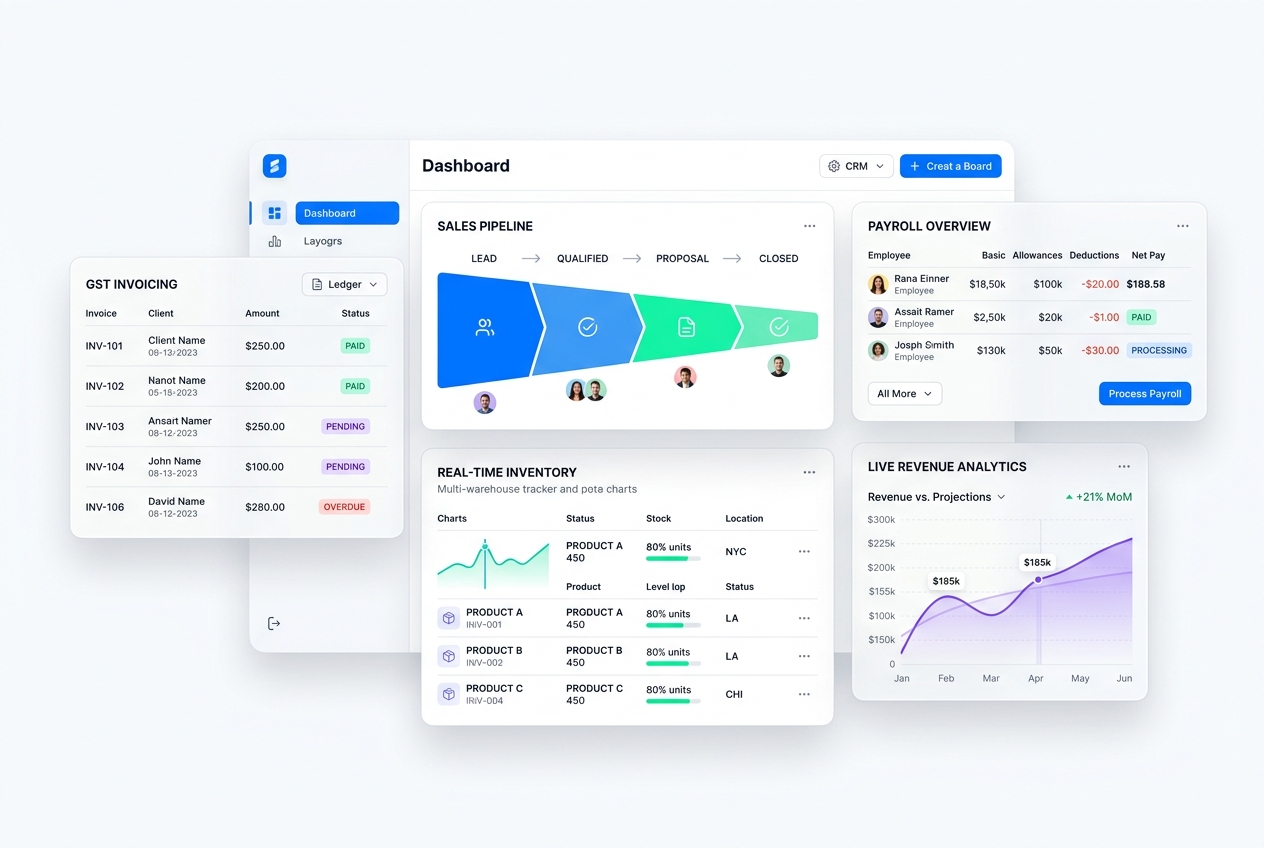
Decoupled modules performance dashboard

A decoupled system isolates database actions. If one team updates thousands of records, other departments continue to work without screen lag or database locks, keeping operations stable.

What are cascading failures in legacy systems?

A cascading failure is when a minor error in one department triggers a system-wide crash. In monolithic suites, because all modules share the same code logic, a bug in the inventory module can crash the financial ledger. This tightly-coupled architecture is risky for growing companies that need reliable, continuous access to their records.

A modular workspace solves this by decoupling applications. Each app operates independently on a shared database foundation. If the inventory app experiences a data entry error, your sales team can still process quotations, and your accountants can still run billing, containing the impact of the error.

How does modular software solve these problems?

Modular workspaces offer the best of both worlds: decoupled application layers that communicate through a unified data core. By using modular apps like Inventory & Warehouse, Procurement, and Manufacturing, you keep department workflows focused and fast. The apps share data, but they do not share the code dependencies that cause monolithic failures.

This structure allows you to customize individual apps without risking database health. If you need to update a pricing model in your sales module, you can do so instantly without affecting your warehouse shipping configurations, keeping your business agile and safe.

System Health Comparison

Operational Metric Monolithic All-in-One Suite Modular Connected Workspace
System Speed Subject to lag during bulk database actions from other teams. Consistently fast due to decoupled app architectures.
Error Isolation Poor. Database errors in one module can crash the system. Excellent. Apps run independently, preserving other departments.
Upgrades Risky. Upgrades often break custom code across departments. Safe. Individual apps update in the background.

How a Pune manufacturer saved ₹75,000 in lost orders

A manufacturing shop in Pune was using a monolithic suite. During a busy afternoon, their inventory head ran a bulk stock reconciliation. The database locked up, and for two hours, the sales reps could not load the pricing catalog or generate quotes. Several retail buyers grew frustrated by the delay and walked away, costing the business ₹75,000 in lost orders.

They moved their operations to C36Space's modular workspace. Now, the warehouse head can scan stock updates and process bulk data entries without affecting the sales database. Even during major inventory audits, the sales reps can load quotes instantly, protecting their revenue and client relationships.

Frequently Asked Questions

What are the main problems with all-in-one business software?

It causes database lag during bulk operations, suffers from cascading failures where one error crashes the whole system, and has bloated interfaces that user staff struggles to learn.

How does a modular workspace prevent system lag?

By running independent application layers that communicate through a shared data core, preventing database locks in one department from slowing down others.

Can independent modules still share data?

Yes. The apps communicate through a unified data core, ensuring that updates to customer profiles or inventory sheets are instantly visible across all modules.
💡 Pro Tip for Operations Managers

When choosing business software, always check if the modules are decoupled. A system that isolates department processes protects your company from database locks and cascading crashes.

Ready to optimize your operations?

Start your free 14-day trial of C36Space and experience seamless ERP automations.

Start Free Trial