Why Small Businesses Are Ditching Traditional ERP
Discover why modern high-growth companies are abandoning heavyweight legacy ERP suites in favor of agile, modular cloud architectures.
Discover why modern high-growth companies are abandoning heavyweight legacy ERP suites in favor of agile, modular cloud architectures. In modern competitive markets, disconnected operations create invisible friction, delayed reporting, and customer churn. This blueprint outlines how growing organizations deploy agile, connected workflows that scale with zero administrative overhead.
- Agile Scalability: Add new operations modules in seconds as your team grows without system downtime or code rewrites.
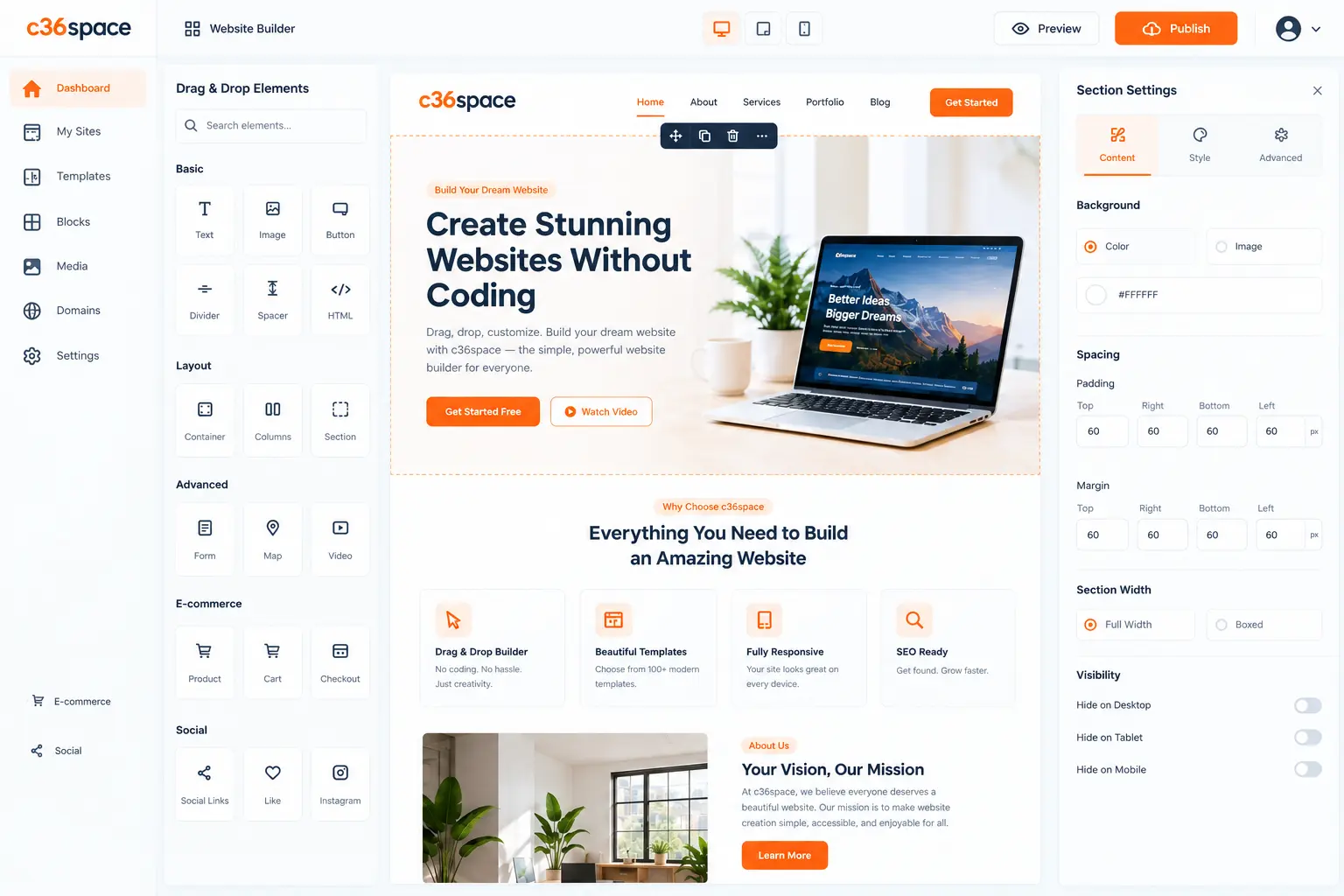
- User Adoption: Clean, modern consumer-grade interfaces ensure front-line staff adopt the system enthusiastically.
- Eliminating Shadow Spreadsheets: When software is fast and easy to use, staff stop maintaining secret Excel workbooks.
- Cloud Infrastructure: Fully managed cloud hosting with automatic nightly backups, zero server maintenance, and 99.99% uptime.
1. The Rise of Shadow Spreadsheets in Legacy Systems
The biggest indicator that a legacy ERP has failed is the proliferation of 'shadow spreadsheets'. When software is slow, complex, and frustrating to use, employees quietly export data to Excel to get their daily work done, defeating the entire purpose of centralizing company records.
2. The Modular Alternative: Simplicity Meets Power
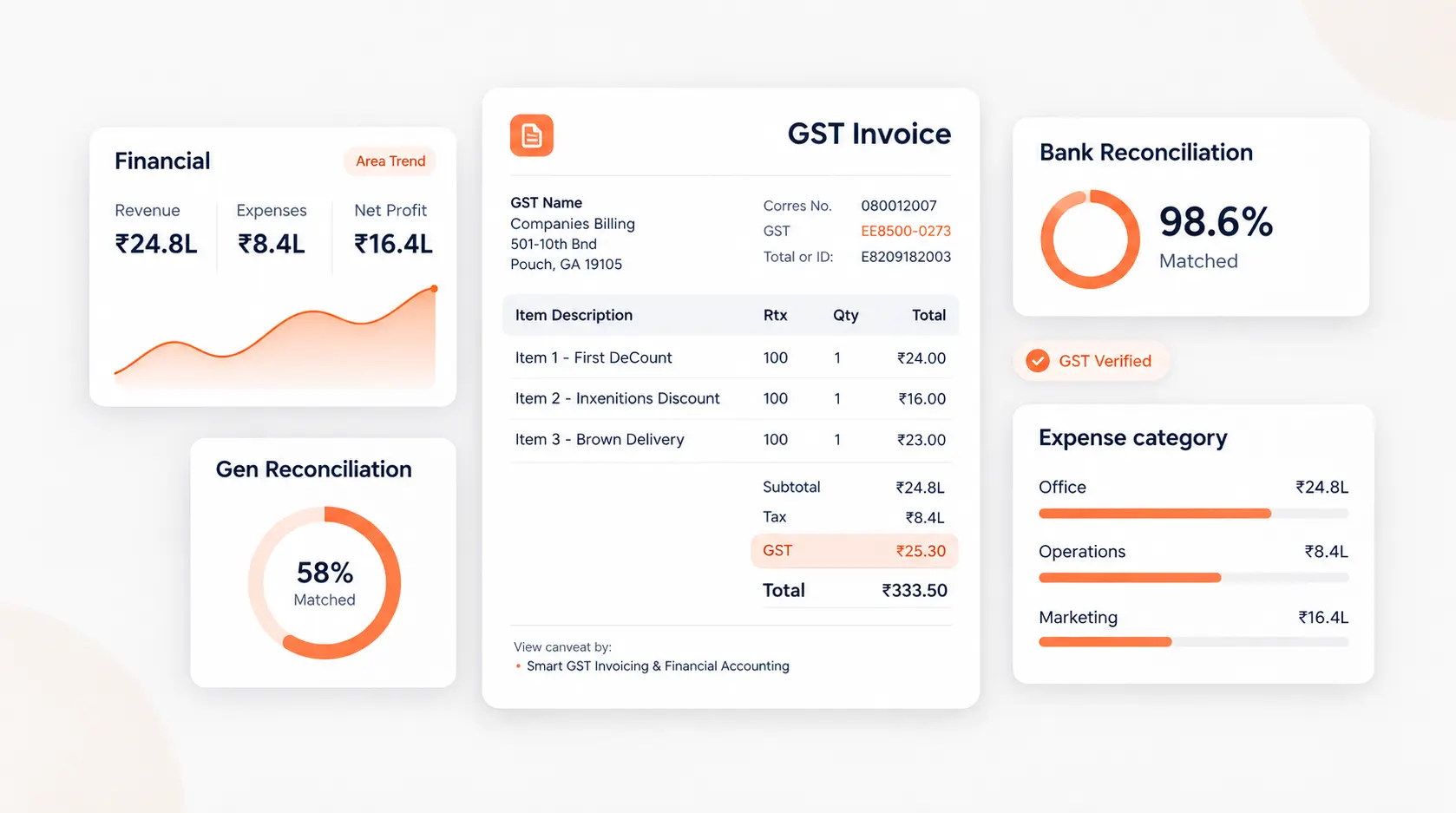
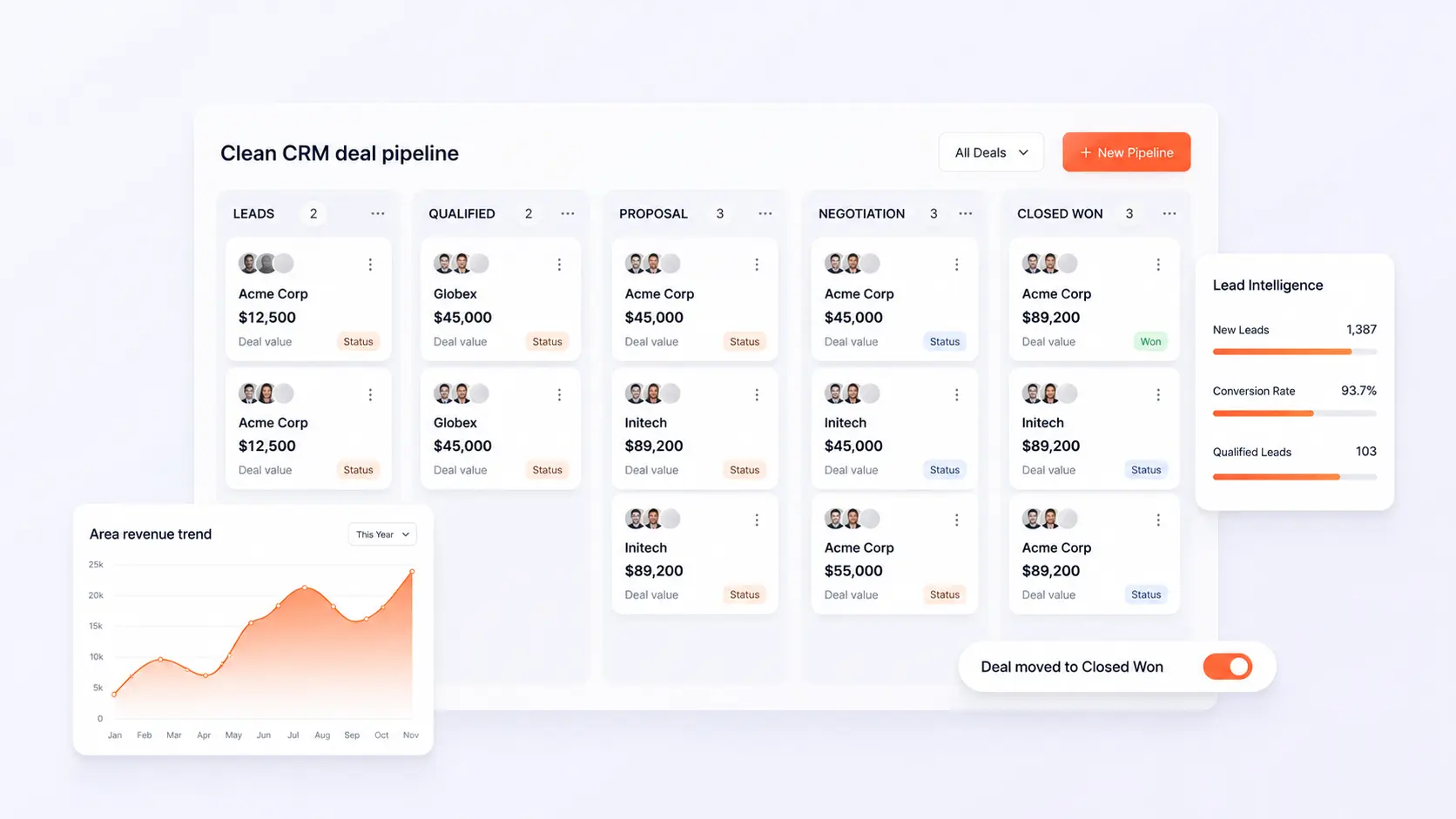
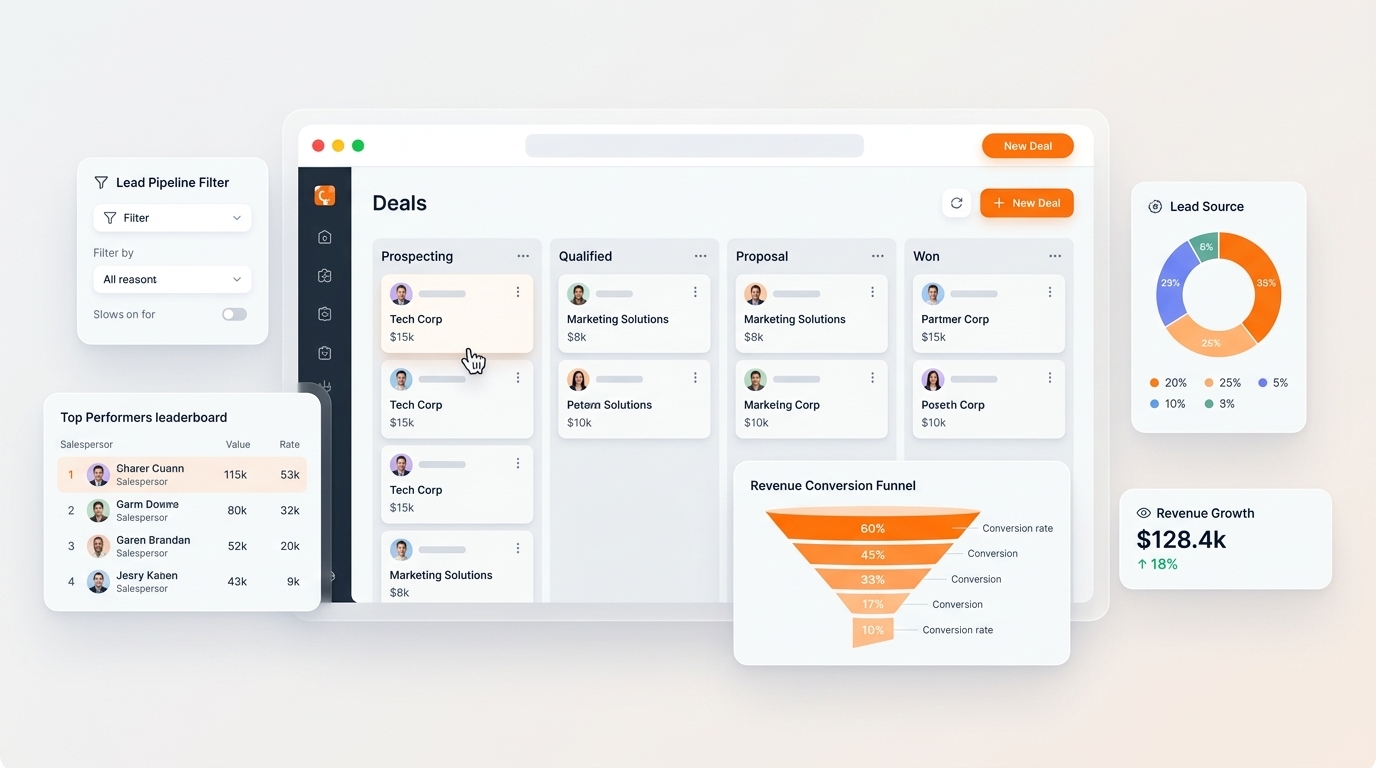
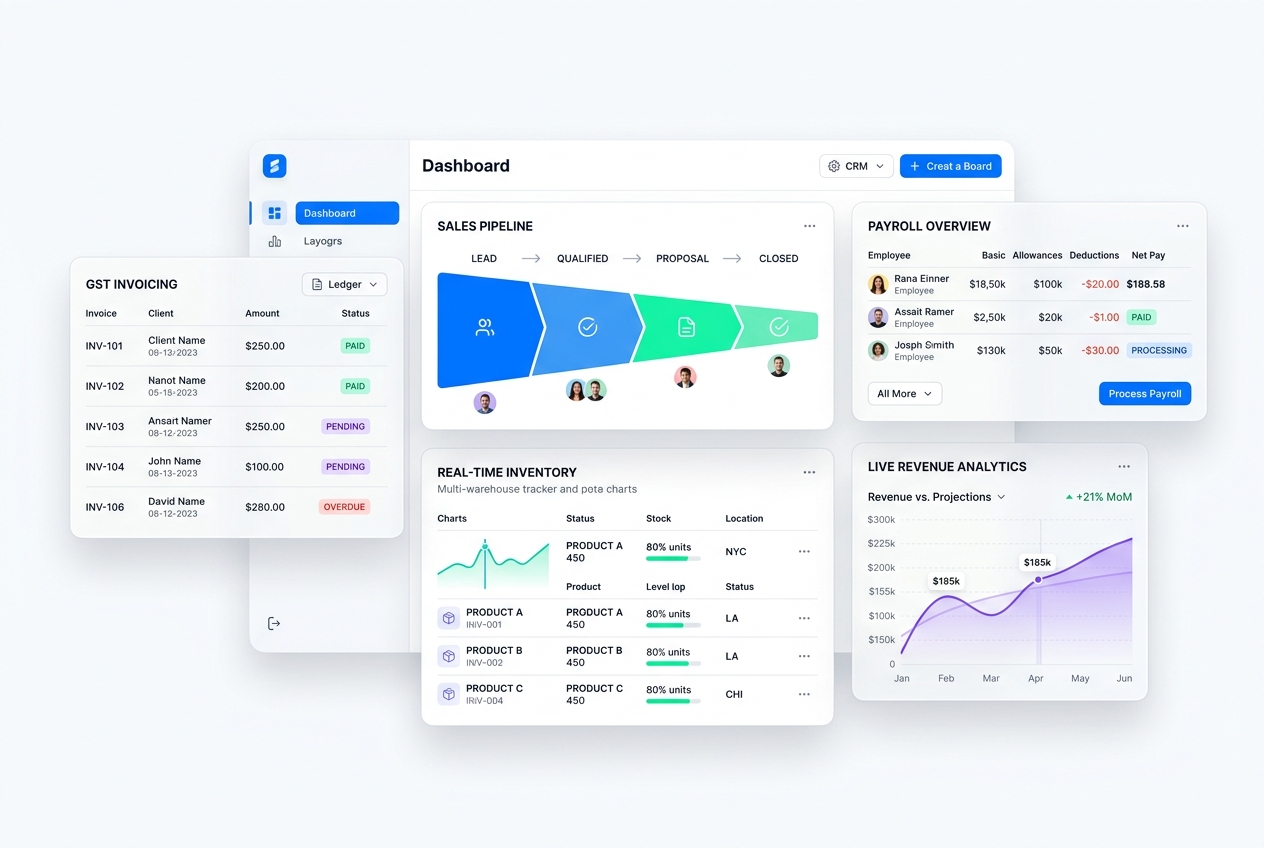
Modular workspaces empower team members by presenting clean, purpose-built interfaces for each job function. Warehouse staff interact with streamlined barcode interfaces, sales reps enjoy visual drag-and-drop pipelines, and executives view clean financial dashboards.
3. Lowering Total Cost of Ownership
By replacing expensive annual licenses, server hardware maintenance, and specialized consultants with a cloud-native workspace, companies reduce software total cost of ownership by up to 65% while gaining superior reliability and flexibility.
Next Steps & Implementation Roadmap
Transitioning to a unified workspace does not require months of downtime. By leveraging modular cloud provisioning, organizations deploy core strategy workflows in parallel with existing processes, verifying data accuracy before switching live operations. Explore the related architecture guides below or activate your free 14-day trial to experience unified operations firsthand.
Ready to optimize your business operations?
Activate your 14-day free trial of C36Space. Unify CRM, invoicing, payroll, and inventory in one connected workspace.